

HONORING ALL WHO SERVEDVertical Veterans Day Video Post Template
15sAaRoboto, Playfair DisplayHappy Pop
A Veterans Day tribute that thanks those who have served and closes with a holiday greeting, a logo slot and a placeholder web address. Portraits of service members sit against deep red, with bold white Playfair Display headlines animating in through a squaring-off motion.
1080×1920 · Reels, Stories, TikTok and Shorts.
Selected scenes
 0:06
 0:09
 0:13
4 Captions
- 0:00Honoring allwho have served
- 0:09Happy Veterans Day!
- 0:10yoursite.com
Every caption is yours to rewrite — the wording, the font, the size, the color and when it appears.
2 media, 1 logo
-
 Confident military veteran in uniform with arms crossed on a white background.
Pexels · RDNE Stock project
-
 Portrait of a US Army soldier in camouflage uniform standing against a white background.
Pexels · RDNE Stock project
-
 1 logo slot
your artwork
Swap any photo or clip for your own, or choose from millions of free stock images. Drop your own logo into the slot.
How to use the Honoring All Who Served template
- Open it in the editorClick the Edit Template button above and it opens straight in the editor — nothing to install, and no account needed to start. Honoring All Who Served renders at 1080×1920, running about 15 seconds, sized for Reels, Stories, TikTok and Shorts. The same design is also available wide (1920×1080) and square (1080×1080).
- Add your messagingThere are 4 captions to make your own, across 3 scenes. Just click a caption and start typing. This template uses Roboto and Playfair Display as defaults. The font, size, color and timing of any caption can all be changed.
- Swap in your own photos and videoThis template's 2 media slots can be replaced with your own photos and video, or filled from the stock library of millions of free images and clips built into the editor. There is a slot for your logo too.
- Pick the musicHonoring All Who Served is set to City Lights, a happy pop track. Swap it for any of the hundreds of tracks built into the editor, which you can browse by mood and/or by genre.
- Set the colorsIt is built on a palette of 3 colors, and any of them can be changed on its own. In the editor, use › Swap Colors to push your own brand colors through the whole template at once.
- Share the projectYour edited version of Honoring All Who Served can be handed to someone else as a link that opens the project in the editor, not just a video to watch — so a colleague or a client can make the change themselves rather than describing it.
- Publish itPublish the finished video and download it as an MP4. Nothing is watermarked, there is no cost at any point, and videos you make can be used commercially — for your own business or a client's.
- Post it anywhereThe download is a standard MP4, so it goes up wherever video does: your social channels, your own site, an ad platform or an email campaign.
12 Related templates


From the blog

National Happy Hour Day: Three Videos to Post That Week
Webster West
·
Nov 5, 2026·
5 min read
A happy hour promo, a daily special and a customer review, each made from a free template in a few minutes.

Pen Draw: Animated Hand-Drawn Arrows, Circles and Doodles
Webster West
·
Oct 28, 2026·
6 min read
55 hand-drawn arrows, circles, frames and doodles that draw themselves on screen, plus a pad for drawing your own.

From a Prompt to a Finished Video or Image
Webster West
·
Oct 23, 2026·
5 min read
What actually happens between your description and an editable project.
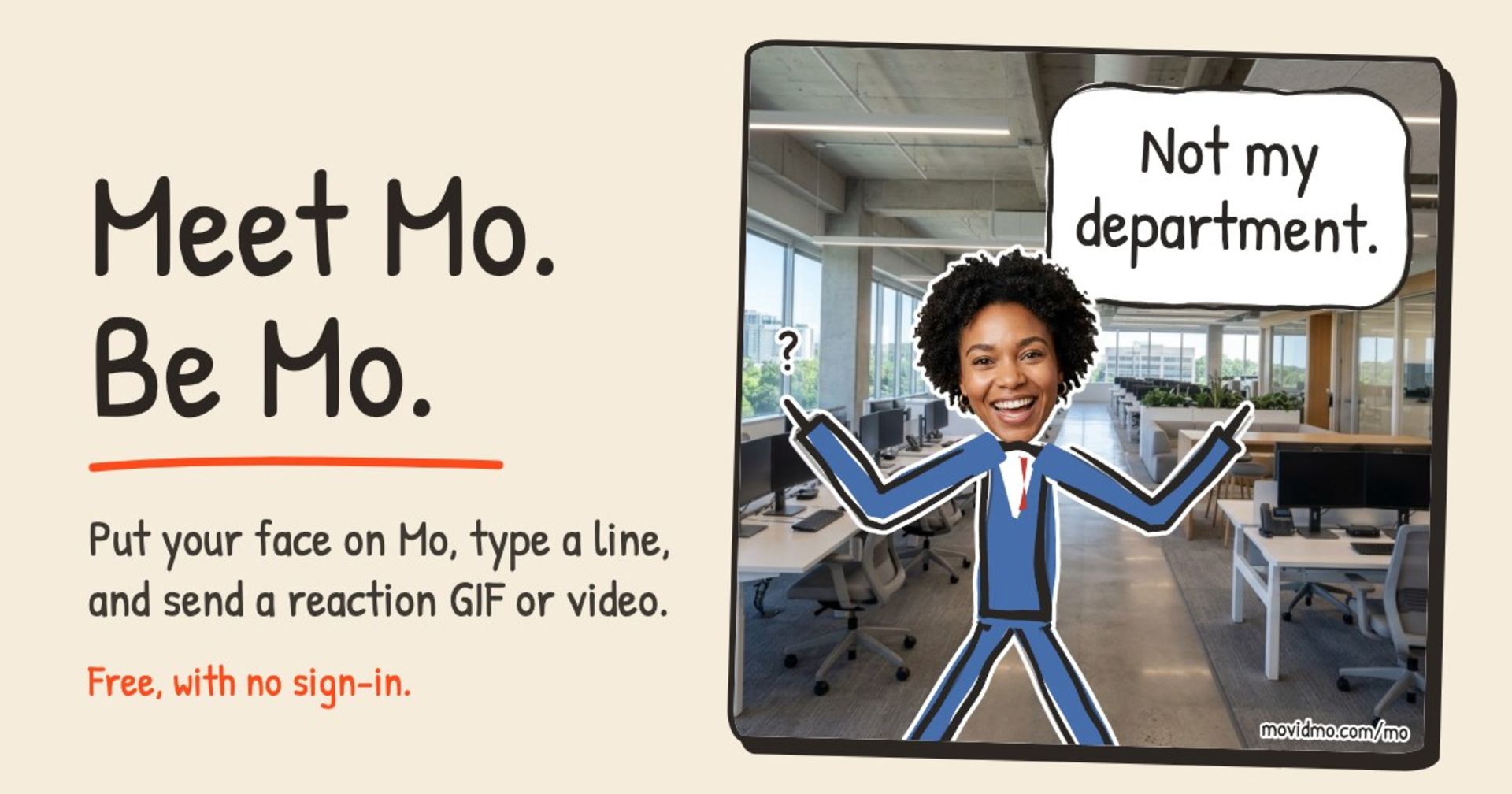
Meet Mo: Put Your Face on a Stick Figure and Send It
Webster West
·
Nov 12, 2026·
4 min read
Put your face on a stick figure, type a line for the speech bubble, and send it as a GIF or video. Free, with no sign-in.