

SO SUMMER SLIDESHOWSquare Summer Video Ad Template
18sAaFrijolePowerful Electronic
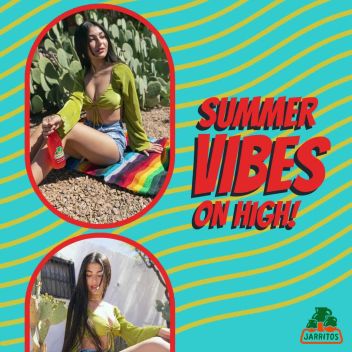
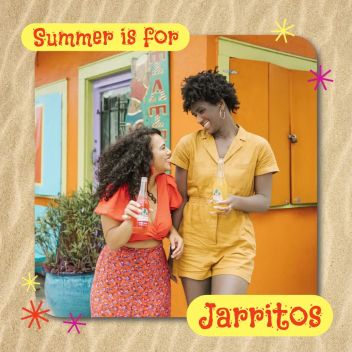
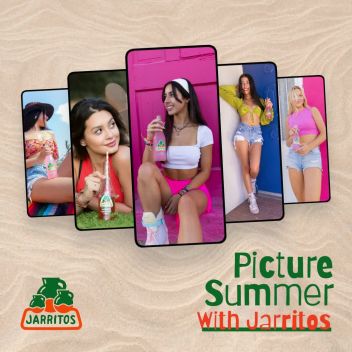
A summer promo slideshow that runs a brand-and-season tagline across seven photos before closing on a seasonal sign-off. Chunky Frijole display type in green and orange sits on white, while pop carousel and follow-the-leader moves push images along to a punchy electronic beat.
1080×1080 · Instagram and Facebook feed posts.
Selected scenes
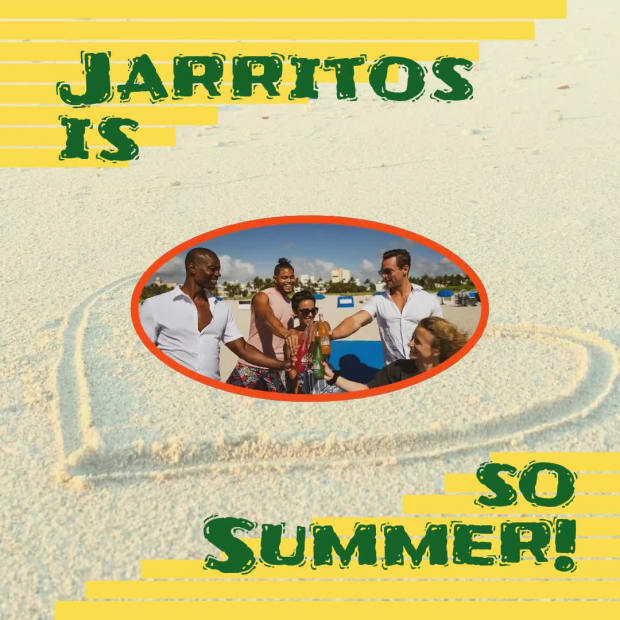 0:04
0:04
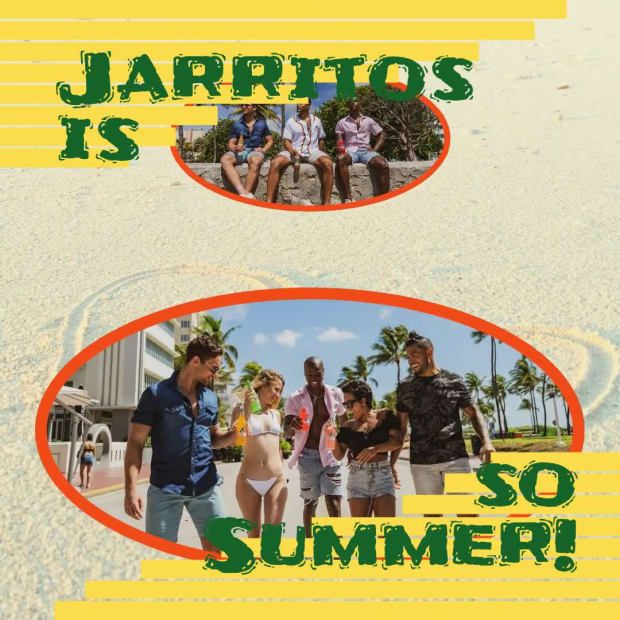 0:08
0:08
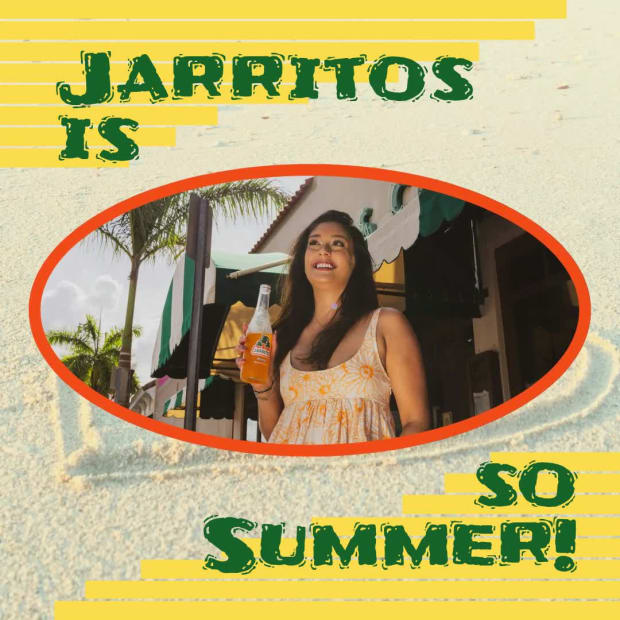 0:12
0:12
 0:16
0:16
3 Captions
- 0:00Jarritos isso Summer!
- 0:14Summer
Every caption is yours to rewrite — the wording, the font, the size, the color and when it appears.
7 media
-
Unsplash Khadeeja Yasser
-
Unsplash Jarritos Mexican Soda
-
Unsplash Jarritos Mexican Soda
-
Unsplash Jarritos Mexican Soda
-
Unsplash Jarritos Mexican Soda
-
Unsplash Jarritos Mexican Soda
-
 Included with the template
Swap any photo or clip for your own, or choose from millions of free stock images.
How to use the So Summer Slideshow template
- Open it in the editorClick the Edit Template button above and it opens straight in the editor — nothing to install, and no account needed to start. So Summer Slideshow renders at 1080×1080, running about 18 seconds, sized for Instagram and Facebook feed posts. The same design is also available wide (1920×1080) and vertical (1080×1920).
- Add your messagingThere are 3 captions to make your own, across 4 scenes. Just click a caption and start typing. This template uses Frijole as its default font. The font, size, color and timing of any caption can all be changed.
- Swap in your own photos and videoThis template's 7 media slots can be replaced with your own photos and video, or filled from the stock library of millions of free images and clips built into the editor.
- Pick the musicSo Summer Slideshow is set to A Trap Beat, a powerful electronic track. Swap it for any of the hundreds of tracks built into the editor, which you can browse by mood and/or by genre.
- Set the colorsIt is built on a palette of 5 colors, and any of them can be changed on its own. In the editor, use › Swap Colors to push your own brand colors through the whole template at once.
- Share the projectYour edited version of So Summer Slideshow can be handed to someone else as a link that opens the project in the editor, not just a video to watch — so a colleague or a client can make the change themselves rather than describing it.
- Publish itPublish the finished video and download it as an MP4. Nothing is watermarked, there is no cost at any point, and videos you make can be used commercially — for your own business or a client's.
- Post it anywhereThe download is a standard MP4, so it goes up wherever video does: your social channels, your own site, an ad platform or an email campaign.
12 Related templates





From the blog

Make Social Thumbnails with an AI Image Generator
Webster West
·
Oct 16, 2026·
5 min read
From a sentence to a thumbnail that still reads at phone size.
Video That Sells Out Your Next Event
Webster West
·
Oct 20, 2026·
5 min read
Four short videos that carry an event from save-the-date to recap reel.

AI Images or Short Video Ads: Which to Use
Webster West
·
Oct 9, 2026·
5 min read
When a still beats a video, when motion wins, and what each costs you in time.
Write AI Prompts That Make Better Short Videos
Webster West
·
Oct 13, 2026·
8 min read
The prompt structure behind a good AI short video, with before-and-after examples.