

WAVE THE FLAGVeterans Day Video Post Template
Duration: 0s
·
Credits: 0
Ready to create an awesome Veterans Day video post to improve interactions with your social media audience? Tailor this video template with your messaging and branding.
RELATED MOVIDMO TEMPLATES

10s
SALUTING
Veterans Day Video Post
10s
SEASON'S GREETINGS CARD
Christmas Video Card
10s
VIDEO XMAS CARD
Christmas Video Card
10s
HO HO HO
Christmas Video Card
10s
MERRY CHRISTMAS
Christmas Video Card
24s
WHITEOUT
Christmas Video Card
17s
CHRISTMAS ALL AROUND
Christmas Video Ad
30s
5 GREAT GIFT IDEAS
Christmas Video Ad
8s
HEARTY FATHER'S DAY
Father's Day Video Ad
13s
HAPPINESS CHART
Food/Restaurant Video Ad
10s
LEARN MATH
Education Video Ad
10s
ADVENTURE
Travel Video Ad
POPULAR MOVIDMO BLOGS
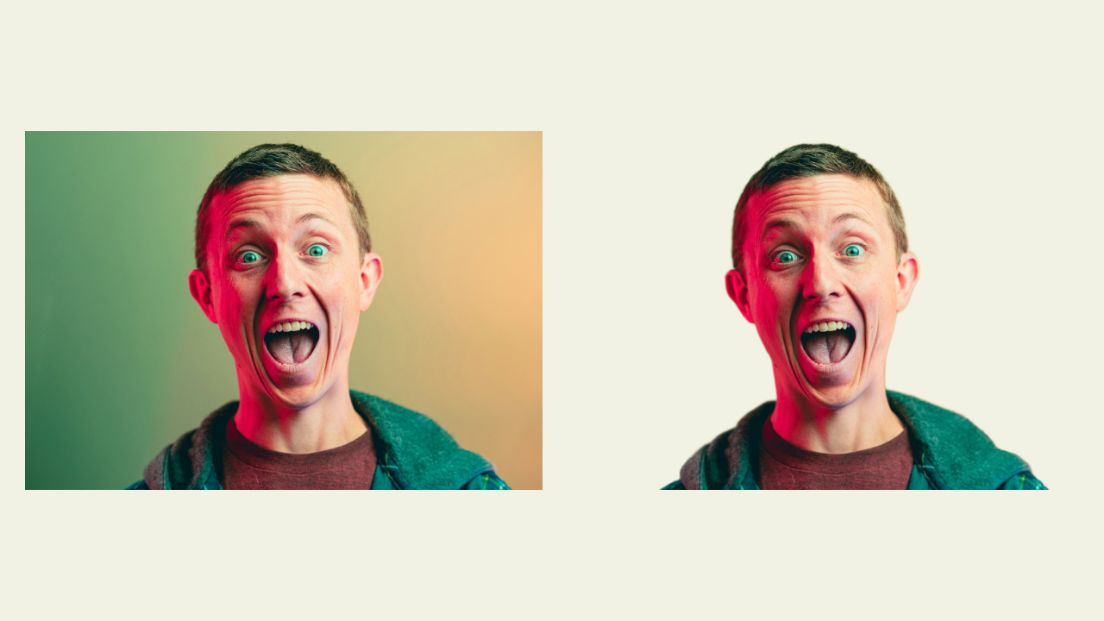
Unlocking the Power of Background Removal in Social Media Video Ads
Webster West
·
Jan 26, 2024·
5 min read
Removing backgrounds from images used in video ads is one of the hottest design trends. Learn about why designers love the idea and see just how easy it is to remove image backgrounds with Movidmo as your video ad maker.
What we do with the shadows
Webster West
·
Mar 6, 2023·
6 min read
Whether you are creating a marketing video or an educational video, shadows can be used to
set content apart from background or to add depth to visual content. This blog
post discusses the newly added shadow feature which is now available for all design
elements in the Movidmo video editor.

The ultimate guide for Instagram hashtags in 2023
Bret Sears
·
Apr 6, 2023·
5 min read
Movidmo is a great tool for making video content for your social media channels like Instagram. This blog post covers the best strategies for choosing the proper hashtags to attach to your Movidmo video content on Instagram.
Add opacity and movement to images within the Movidmo editor
Webster West
·
Aug 12, 2021·
2 min read
At Movidmo, we work hard to ensure our video editing tool gives you all the effects you need to command attention for your brand. Our most recent updates were designed to ensure just that. Now in Movidmo you can change the opacity and add Ken Burns Effect to all of your images to make your video rea