

Holiday Stick Figure GIFs
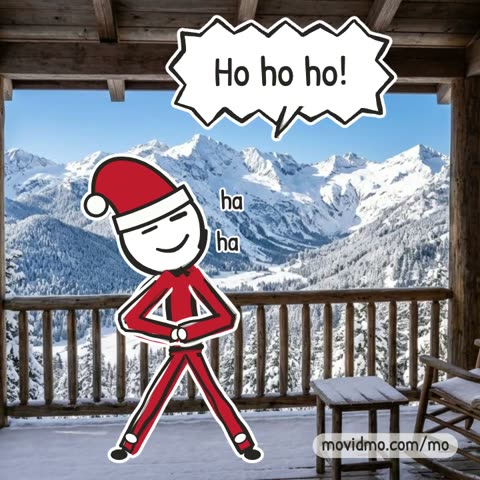
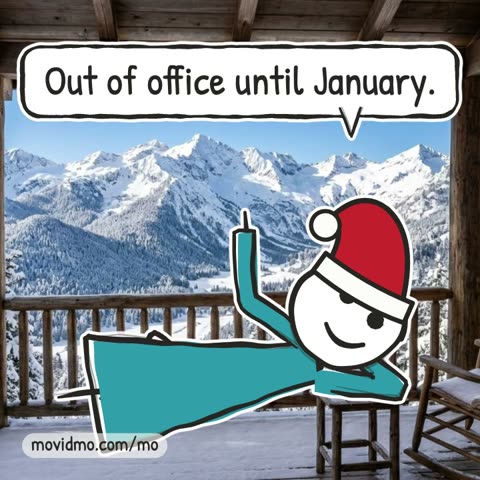
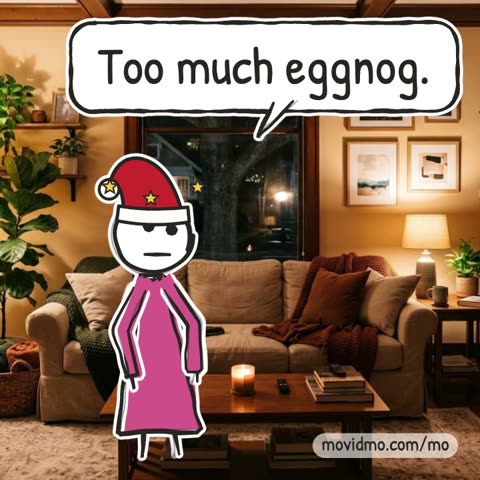
Make your own MoHoliday GIFs starring Mo: Santa by the tree, an elf saying happy holidays, eight nights of joy, New Year's fireworks and the eggnog that went too far. Send a funny Christmas GIF to the family chat or the team, post the video with music, or tap Make it mine to put your own face on Mo and write your own greeting.
No Mo says that yet. Make your own Mo with your words.
Tap any Mo to send it, download it or make it yours.
Holiday Stick Figure GIFs












How to send a Mo
In a text GIF
Tap Send it, then A text. A phone opens its share menu, so pick your messages app. A computer saves the GIF, so drag it into the chat.
In the comments GIF link
Tap Send it, then A comment. That copies its link, so paste it in the comment. Facebook plays it once the comment is posted.
In a post Video
Tap Send it, then A post. You get the video, with music. Add it to your post like any video.
Steps for a specific app
- iMessage: in the conversation, tap +, then Photos, and pick it.
- WhatsApp: tap + (on Android, the paperclip), then Photos or Gallery, and pick it. On a computer, drag the file into the chat.
- Facebook Messenger: tap the photo button beside the message box and pick it.
- Slack: tap + beside the message box and choose the file, or drag it in on a computer. Or paste the link.
- Microsoft Teams: on a phone, tap +, then Attach. On a computer, use the paperclip or Upload from this device.
- Discord: tap +, then pick the file. GIFs play right in the chat.
- Email: attach it like any photo. Some email programs show only the first frame of a GIF, so for an important email, the video is the safer choice.
Make your own
Type any words, pick an action, add your face, change the outfit and background, and send it as a GIF or video. Free, with no sign-in.
Open the Mo maker