

GIVE IT A SHOTSquare Healthcare Video Post Template
16sAaMontserrat BoldHappy Pop
A public health post that turns a basketball wordplay into a call to get vaccinated, closing on a campaign hashtag. Bold white Montserrat lines sit over footage and vaccine vial photography, cut in short paired beats with clean transitions and an upbeat pop track.
1080×1080 · Instagram and Facebook feed posts.
Selected scenes
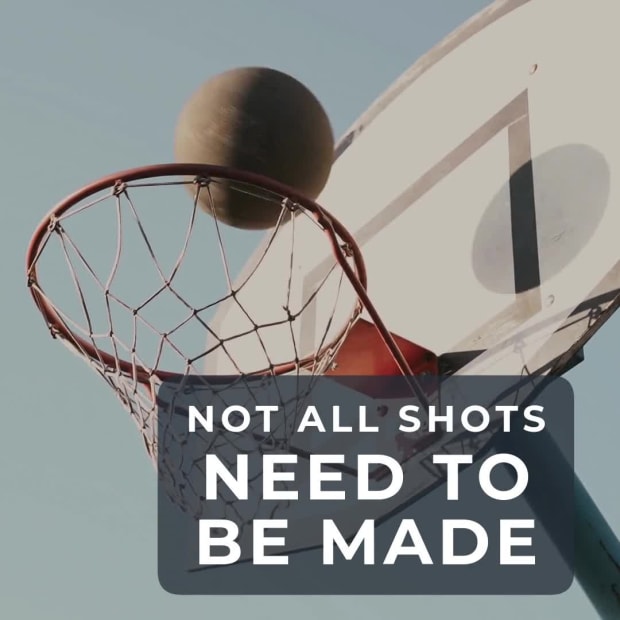 0:02
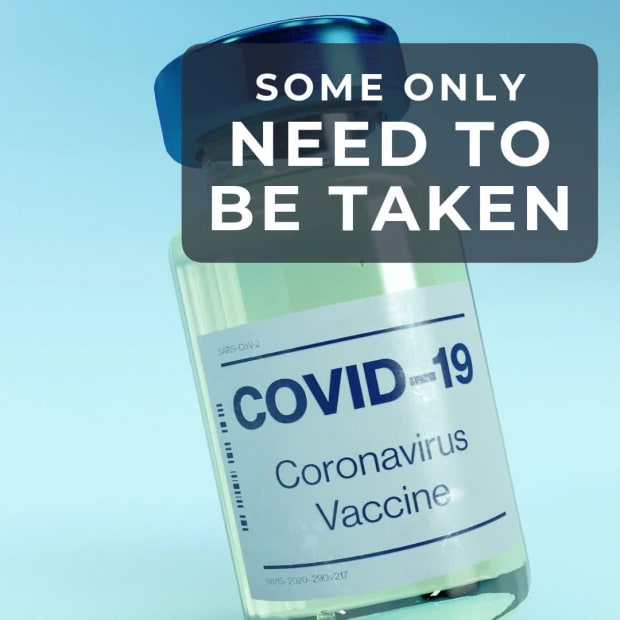 0:07
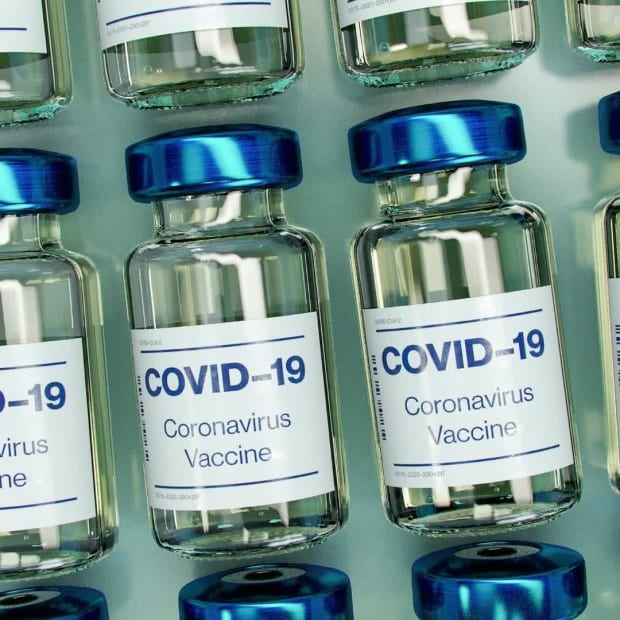 0:10
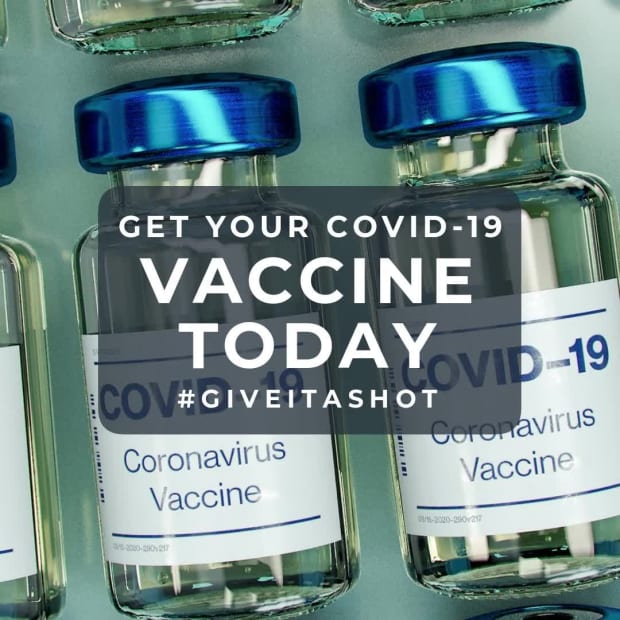 0:14
7 Captions
- 0:01NOT ALL SHOTSNEED TO BE MADE
- 0:06SOME ONLYNEED TO BE TAKEN
- 0:11GET YOUR COVID-19VACCINE TODAY
- 0:12#GIVEITASHOT
Every caption is yours to rewrite — the wording, the font, the size, the color and when it appears.
3 media
-
 Pexels
olia danilevich
-
blue and white labeled bottle Unsplash · Daniel Schludi
-
blue and white plastic bottle Unsplash · Daniel Schludi
Swap any photo or clip for your own, or choose from millions of free stock images.
How to use the Give It A Shot template
- Open it in the editorClick the Edit Template button above and it opens straight in the editor — nothing to install, and no account needed to start. Give It A Shot renders at 1080×1080, running about 16 seconds, sized for Instagram and Facebook feed posts. The same design is also available wide (1920×1080) and vertical (1080×1920).
- Add your messagingThere are 7 captions to make your own, across 4 scenes. Just click a caption and start typing. This template uses Montserrat as its default font. The font, size, color and timing of any caption can all be changed.
- Swap in your own photos and videoThis template's 3 media slots can be replaced with your own photos and video, or filled from the stock library of millions of free images and clips built into the editor.
- Pick the musicGive It A Shot is set to Cheerful Feeling, a happy pop track. Swap it for any of the hundreds of tracks built into the editor, which you can browse by mood and/or by genre.
- Set the colorsIt is built on a palette of 2 colors, and any of them can be changed on its own. In the editor, use › Swap Colors to push your own brand colors through the whole template at once.
- Share the projectYour edited version of Give It A Shot can be handed to someone else as a link that opens the project in the editor, not just a video to watch — so a colleague or a client can make the change themselves rather than describing it.
- Publish itPublish the finished video and download it as an MP4. Nothing is watermarked, there is no cost at any point, and videos you make can be used commercially — for your own business or a client's.
- Post it anywhereThe download is a standard MP4, so it goes up wherever video does: your social channels, your own site, an ad platform or an email campaign.
12 Related templates


From the blog

Scenes: Over 100 Animated Backgrounds for Your Videos
Webster West
·
Oct 22, 2026·
9 min read
102 animated backgrounds, each a ready-made arrangement of Movidmo animations you can recolor and retime from one dialog.

Make Social Thumbnails with an AI Image Generator
Webster West
·
Oct 16, 2026·
5 min read
From a sentence to a thumbnail that still reads at phone size.
Unified Video and Image Branding
Webster West
·
Oct 2, 2026·
5 min read
Why your video and your images drift apart, and how to keep one look across both.

Video That Sells Out Your Next Event
Webster West
·
Oct 20, 2026·
5 min read
Four short videos that carry an event from save-the-date to recap reel.