

POPPIN' SLIDESHOWArt/Culture Video Post Template
41sAaFederant, Libre FranklinHappy Rock
A photo slideshow built to showcase a themed image collection, opening with a decorative display title before cycling thirteen full-frame shots, each captioned with a credit line. Squared-off transitions snap between frames in white type over colour-rich photography, paced briskly to upbeat rock.
1920×1080 · YouTube, Facebook, LinkedIn and websites.
Selected scenes
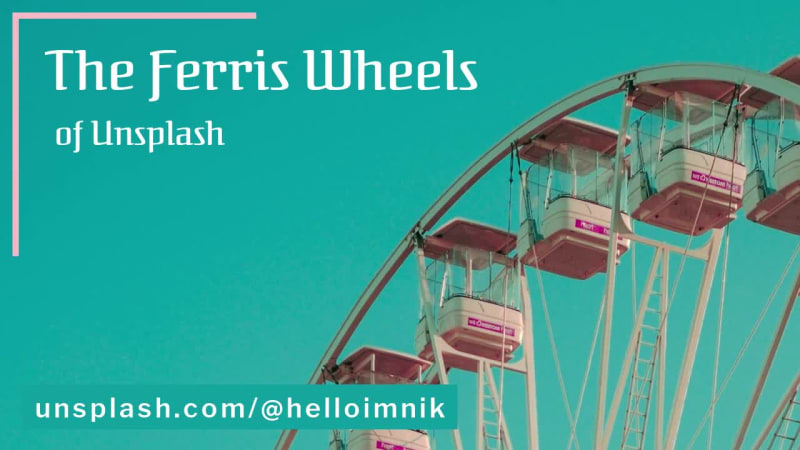 0:02
0:02
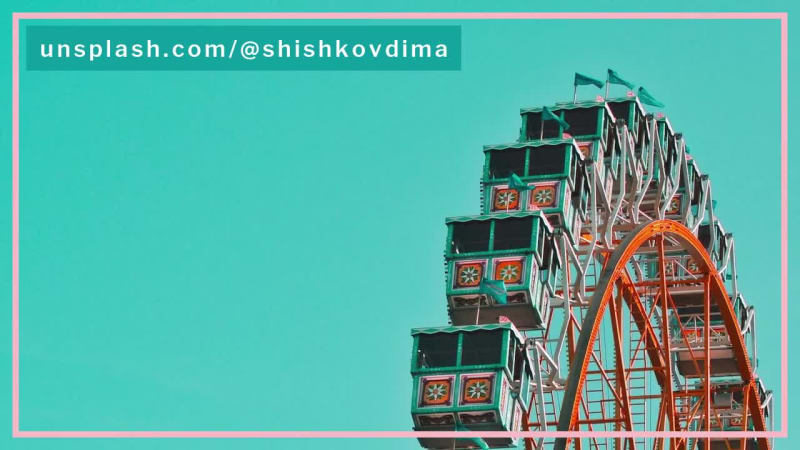 0:06
0:06
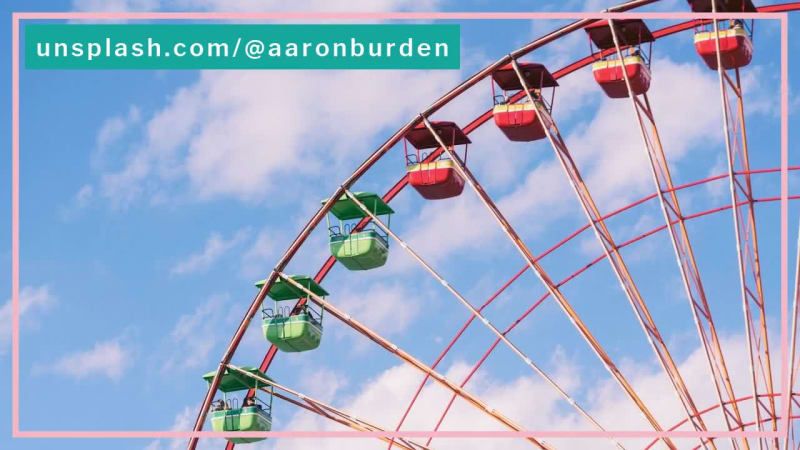 0:09
0:09
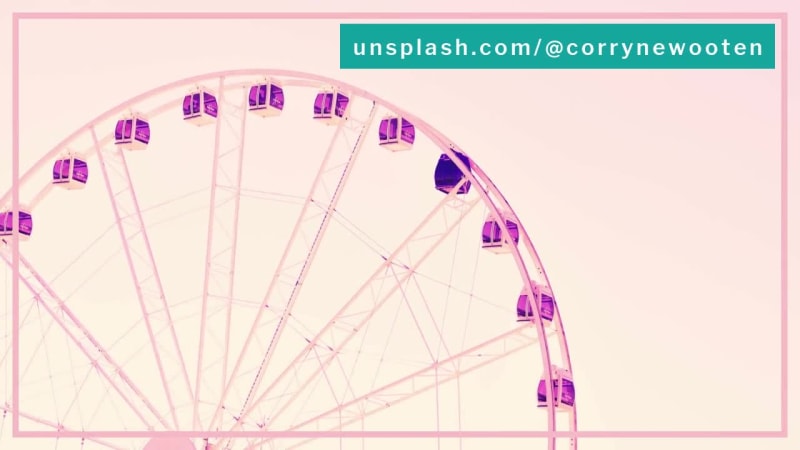 0:12
0:12
 0:15
0:15
 0:18
0:18
 0:21
0:21
 0:24
0:24
 0:27
0:27
 0:30
0:30
 0:33
0:33
 0:36
0:36
 0:39
0:39
15 Captions
- 0:00The Ferris Wheels
- 0:01of Unsplashunsplash.com/@helloimnik
- 0:05unsplash.com/@shishkovdima
- 0:08unsplash.com/@aaronburden
- 0:11unsplash.com/@corrynewooten
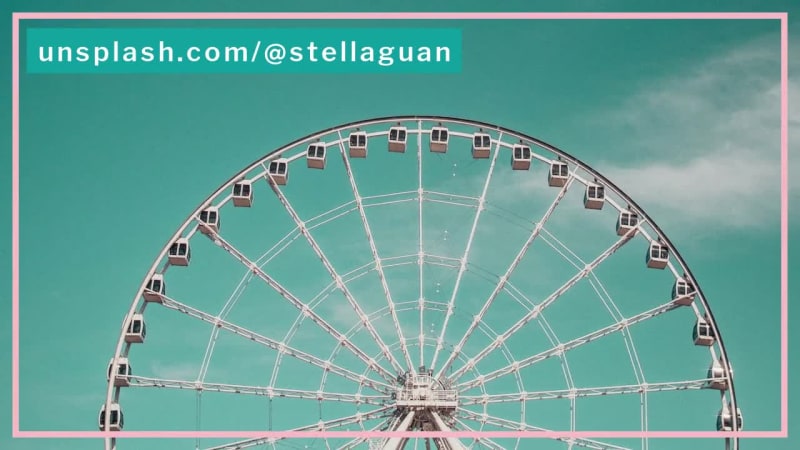
- 0:14unsplash.com/@stellaguan
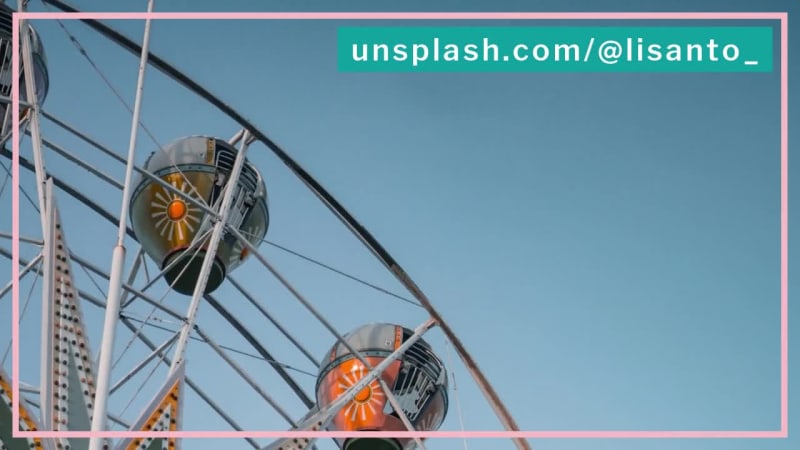
- 0:17unsplash.com/@lisanto_
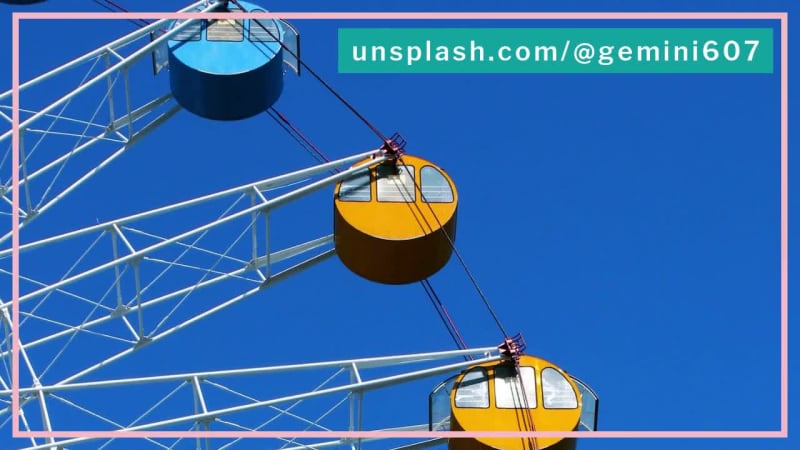
- 0:20unsplash.com/@gemini607
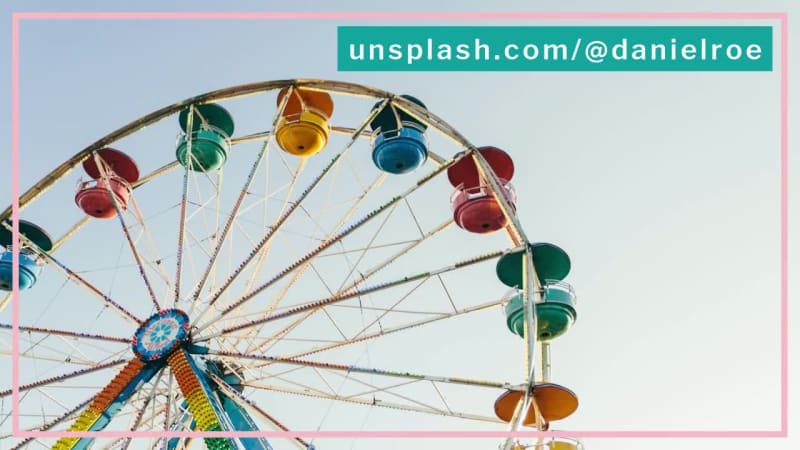
- 0:23unsplash.com/@danielroe
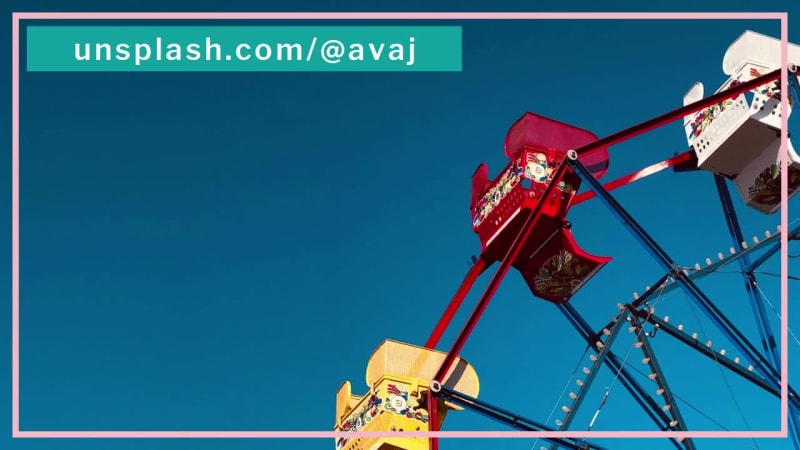
- 0:26unsplash.com/@avaj
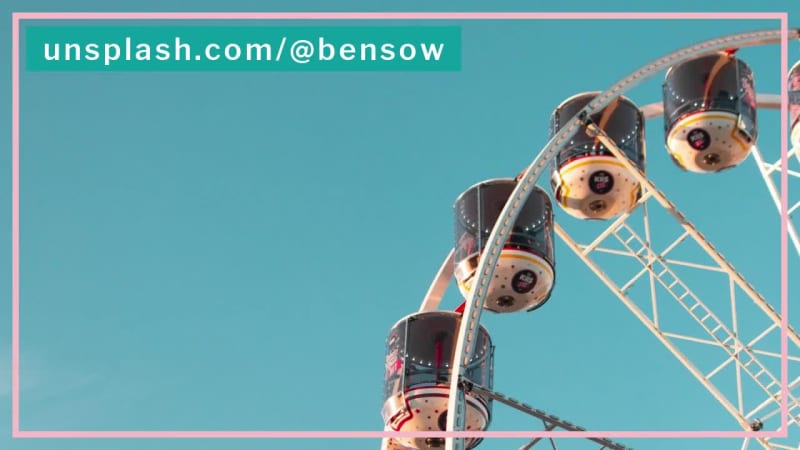
- 0:29unsplash.com/@bensow
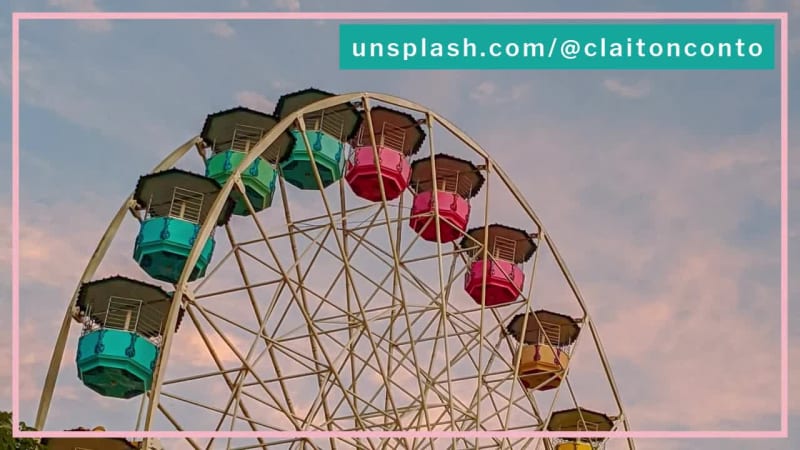
- 0:32unsplash.com/@claitonconto
- 0:35unsplash.com/@junhochak
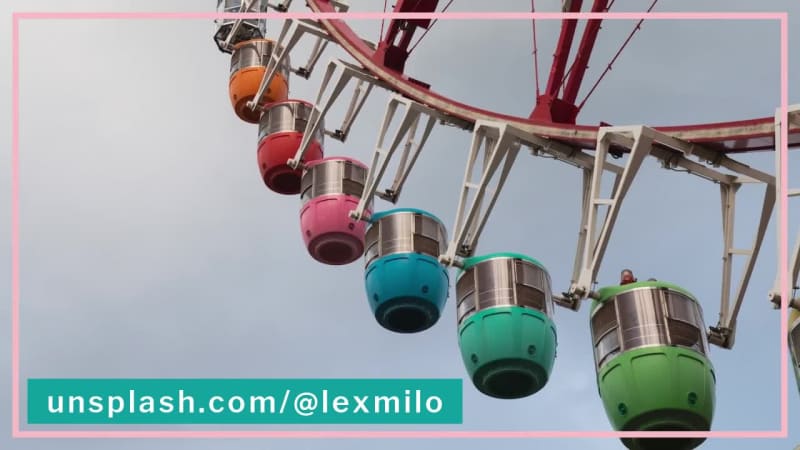
- 0:38unsplash.com/@lexmilo
Every caption is yours to rewrite — the wording, the font, the size, the color and when it appears.
13 media
-
photo of red and white Ferris wheel during daytime Unsplash · Nik
-
red and green ferris wheel under blue sky during daytime Unsplash · Dima Shishkov
-
Ferris wheel under cloudy sky during daytime Unsplash · Aaron Burden
-
blue and white ferris wheel Unsplash · Corryne Wooten
-
round white ferris wheel under gray and blue sky Unsplash · Stella Guan
-
white, green, and yellow ferries wheel Unsplash · Lisanto 李奕良
-
ferries wheel Unsplash · Yixian Zhao
-
assorted-color ferriswheel photography Unsplash · Daniel Roe
-
multicolored ferris wheel at daytime Unsplash · Ava Workman
-
white ferries wheel during daytime Unsplash · Benjamin Sow
-
white ferris wheel under blue sky during daytime Unsplash · Claiton Conto
-
yellow and gray ferris wheel Unsplash · JUNHØ
-
low-angle photography of a Ferris Wheel under cloudy sky Unsplash · Alexander Milo
Swap any photo or clip for your own, or choose from millions of free stock images.
How to use the Poppin' Slideshow template
- Open it in the editorClick the Edit Template button above and it opens straight in the editor — nothing to install, and no account needed to start. Poppin' Slideshow renders at 1920×1080, running about 41 seconds, sized for YouTube, Facebook, LinkedIn and websites. The same design is also available square (1080×1080) and vertical (1080×1920).
- Add your messagingThere are 15 captions to make your own, across 13 scenes. Just click a caption and start typing. This template uses Federant and Libre Franklin as defaults. The font, size, color and timing of any caption can all be changed.
- Swap in your own photos and videoThis template's 13 media slots can be replaced with your own photos and video, or filled from the stock library of millions of free images and clips built into the editor.
- Pick the musicPoppin' Slideshow is set to Rock & Roll Chase, a happy rock track. Swap it for any of the hundreds of tracks built into the editor, which you can browse by mood and/or by genre.
- Set the colorsIt is built on a palette of 3 colors, and any of them can be changed on its own. In the editor, use › Swap Colors to push your own brand colors through the whole template at once.
- Share the projectYour edited version of Poppin' Slideshow can be handed to someone else as a link that opens the project in the editor, not just a video to watch — so a colleague or a client can make the change themselves rather than describing it.
- Publish itPublish the finished video and download it as an MP4. Nothing is watermarked, there is no cost at any point, and videos you make can be used commercially — for your own business or a client's.
- Post it anywhereThe download is a standard MP4, so it goes up wherever video does: your social channels, your own site, an ad platform or an email campaign.
12 Related templates






From the blog
Write AI Prompts That Make Better Short Videos
Webster West
·
Oct 13, 2026·
8 min read
The prompt structure behind a good AI short video, with before-and-after examples.

Make Social Thumbnails with an AI Image Generator
Webster West
·
Oct 16, 2026·
5 min read
From a sentence to a thumbnail that still reads at phone size.

Pen Draw: Animated Hand-Drawn Arrows, Circles and Doodles
Webster West
·
Oct 28, 2026·
6 min read
55 hand-drawn arrows, circles, frames and doodles that draw themselves on screen, plus a pad for drawing your own.

From a Prompt to a Finished Video or Image
Webster West
·
Oct 23, 2026·
5 min read
What actually happens between your description and an editable project.