

CIRCLE BACKSquare Education Video Ad Template
15sAaAlfa Slab One, Montserrat BoldHappy Classical
An ad for an online sketching course, pairing a placeholder site address with a bold two-part headline. Deep purple Montserrat and slab-serif Alfa Slab One sit over photo and video of drawing, with circular transitions and a bright classical score setting a cheerful pace.
1080×1080 · Instagram and Facebook feed posts.
Selected scenes
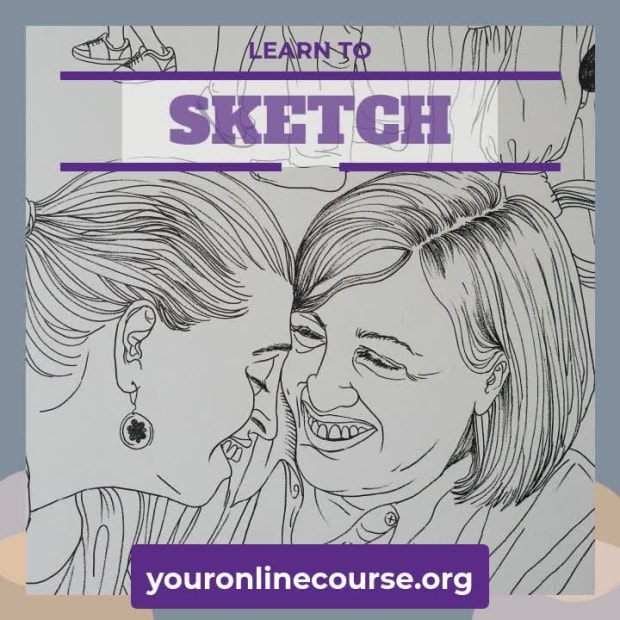 0:03
0:03
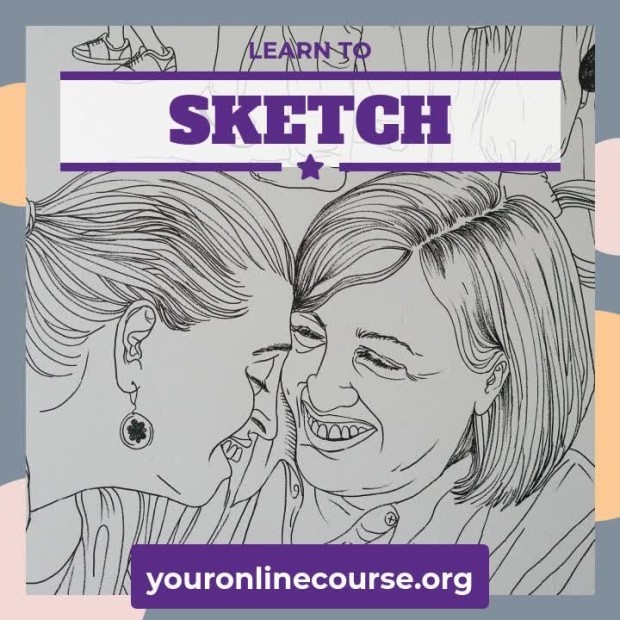 0:06
0:06
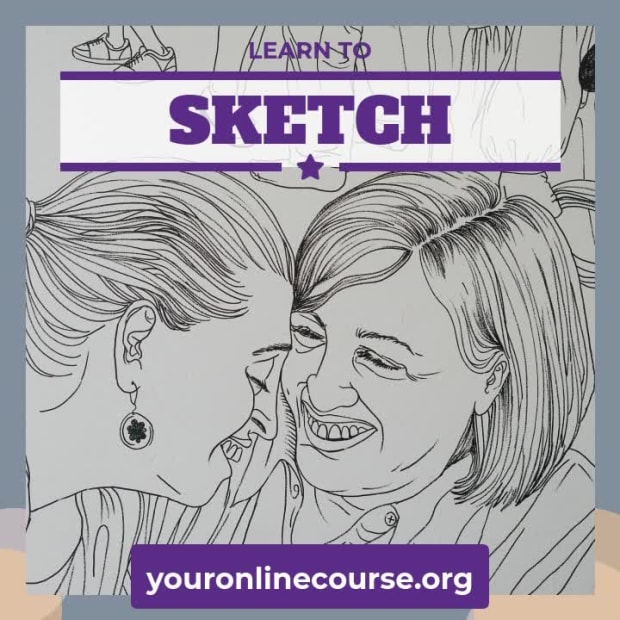 0:13
0:13
3 Captions
- 0:00youronlinecourse.org
- 0:01LEARN TO
- 0:03SKETCH
Every caption is yours to rewrite — the wording, the font, the size, the color and when it appears.
2 media
-
Unsplash Toa Heftiba
-
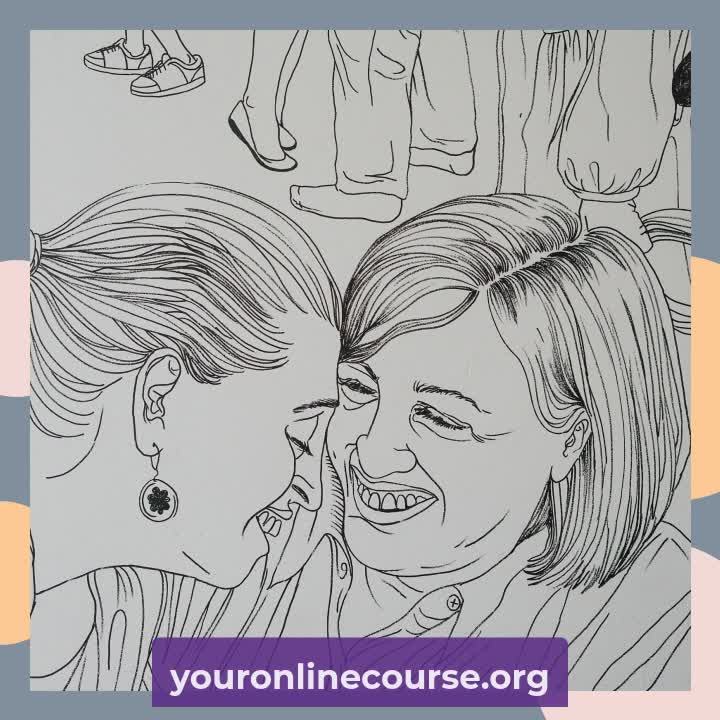 Included with the template
Swap any photo or clip for your own, or choose from millions of free stock images.
How to use the Circle Back template
- Open it in the editorClick the Edit Template button above and it opens straight in the editor — nothing to install, and no account needed to start. Circle Back renders at 1080×1080, running about 15 seconds, sized for Instagram and Facebook feed posts. The same design is also available wide (1920×1080) and vertical (1080×1920).
- Add your messagingThere are 3 captions to make your own, across 3 scenes. Just click a caption and start typing. This template uses Alfa Slab One and Montserrat as defaults. The font, size, color and timing of any caption can all be changed.
- Swap in your own photos and videoThis template's 2 media slots can be replaced with your own photos and video, or filled from the stock library of millions of free images and clips built into the editor.
- Pick the musicCircle Back is set to Classical Orchestra, a happy classical track. Swap it for any of the hundreds of tracks built into the editor, which you can browse by mood and/or by genre.
- Set the colorsIt is built on a palette of 4 colors, and any of them can be changed on its own. In the editor, use › Swap Colors to push your own brand colors through the whole template at once.
- Share the projectYour edited version of Circle Back can be handed to someone else as a link that opens the project in the editor, not just a video to watch — so a colleague or a client can make the change themselves rather than describing it.
- Publish itPublish the finished video and download it as an MP4. Nothing is watermarked, there is no cost at any point, and videos you make can be used commercially — for your own business or a client's.
- Post it anywhereThe download is a standard MP4, so it goes up wherever video does: your social channels, your own site, an ad platform or an email campaign.
12 Related templates





From the blog
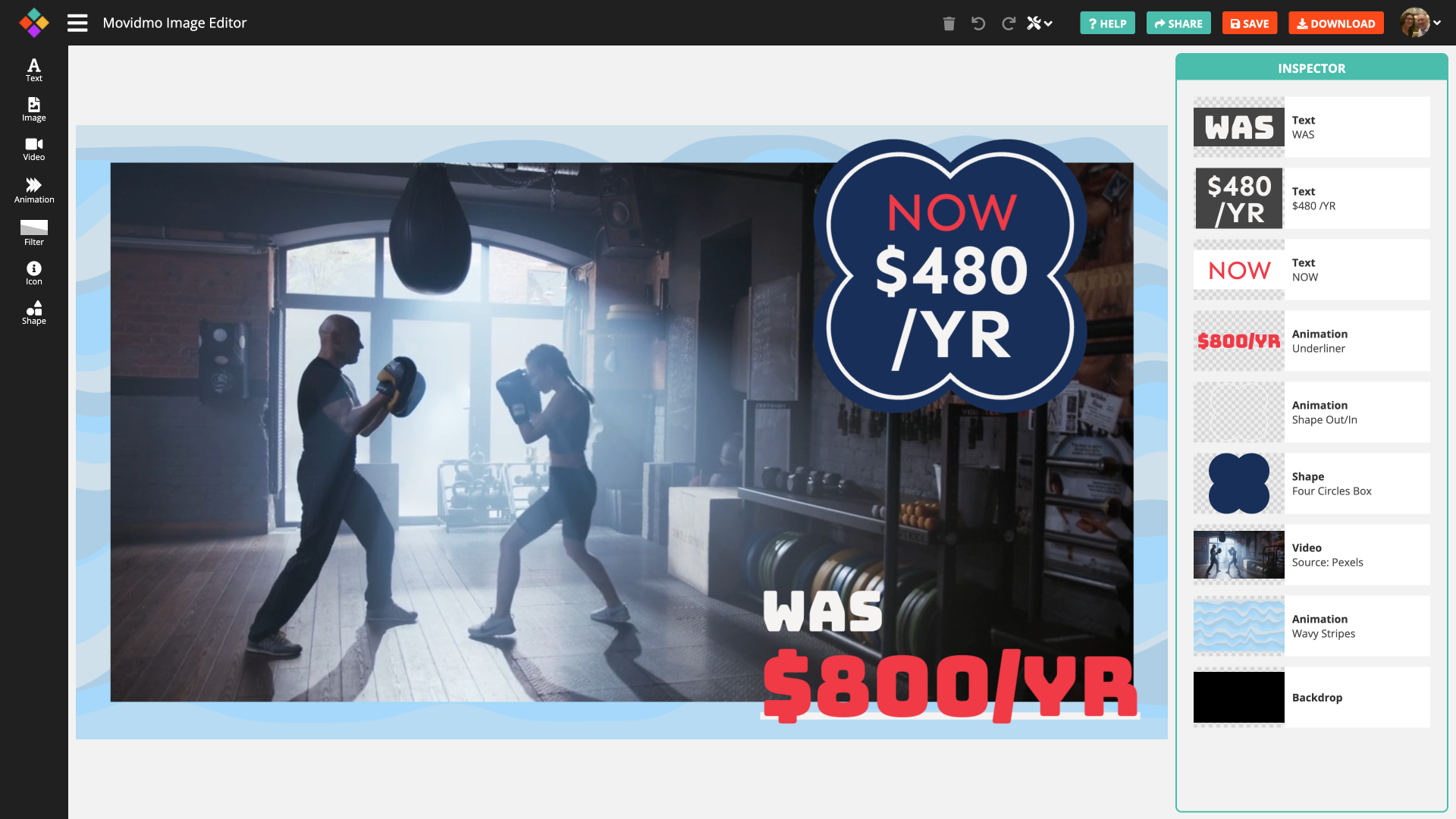
Movidmo releases a free image editor
Webster West
·
Feb 3, 2026·
5 min read
Movidmo has launched a free image editor that works seamlessly alongside its video editor, giving creators a unified, easy-to-use platform for visual content. With a shared interface, free media libraries, and the ability to move designs between image and video formats, the suite makes it faster to

Meet Movidmo's AI Generators: Create a Professional Video or Image in Seconds
Webster West
·
Jun 1, 2026·
10 min read
Type a description. Get a professional video or image in seconds. Here's how Movidmo's new AI generators work — with four real examples to show you what's possible.

The Biggest Movidmo Update Yet: A New Editor Layout
Webster West
·
Sep 25, 2026·
6 min read
The largest change since launch: a new workspace for both editors, two new animations, and twenty new help videos.