

PET ADOPTIONSquare Pets Video Ad Template
11sAaLuckiest Guy, RobotoSad Classical
Promotion for a shelter adoption event, stacking a playful headline with the date, street address and site placeholders users swap for their own. Bold Luckiest Guy display type in blue and charcoal sits over warm yellow and pet footage, with ring-shaped transitions revealing each line.
1080×1080 · Instagram and Facebook feed posts.
Selected scenes
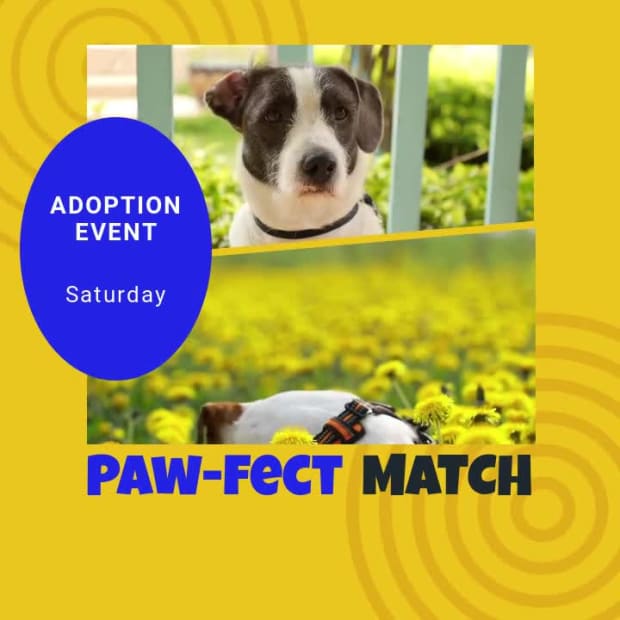 0:02
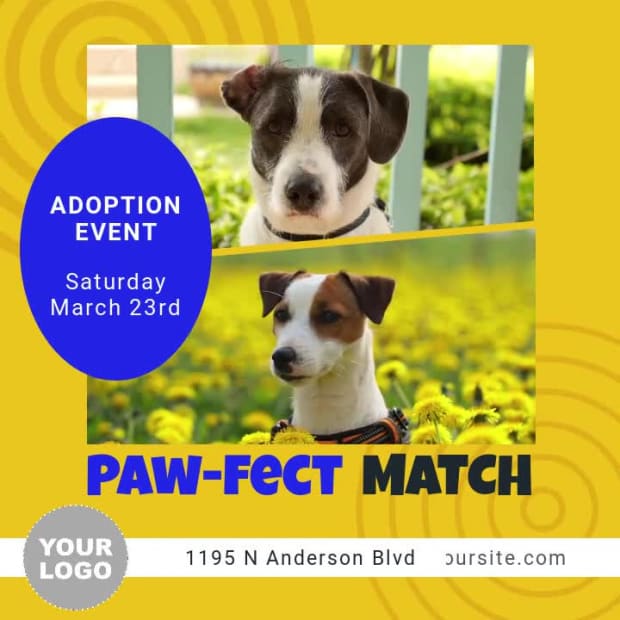 0:04
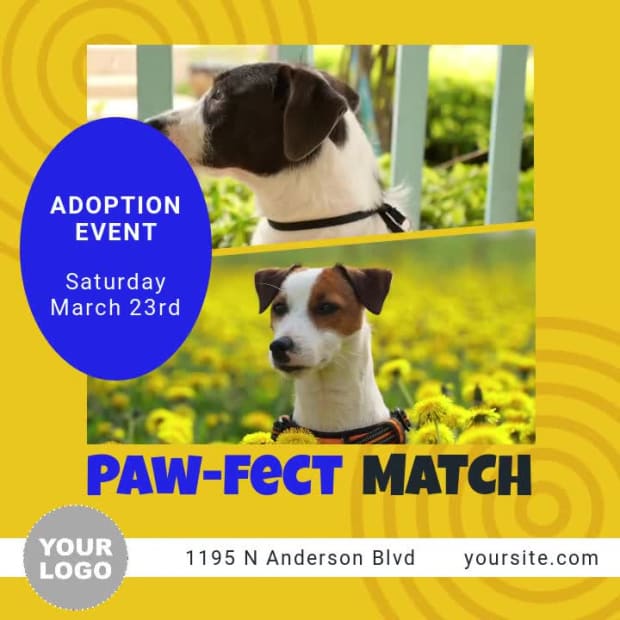 0:09
6 Captions
- 0:00Paw-fectMATCH
- 0:01ADOPTION EVENT
- 0:02Saturday March 23rd
- 0:041195 N Anderson Blvdyoursite.com
Every caption is yours to rewrite — the wording, the font, the size, the color and when it appears.
2 media, 1 logo
-
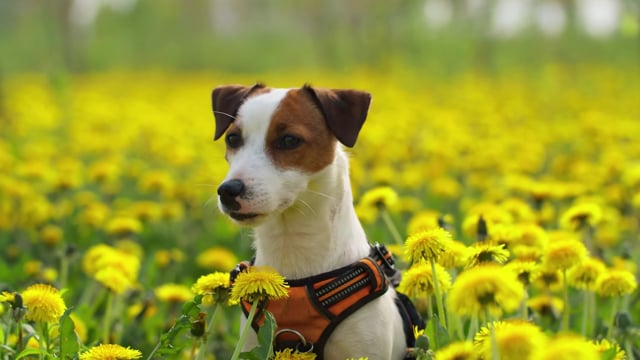 Pixabay
gammeholton84
-
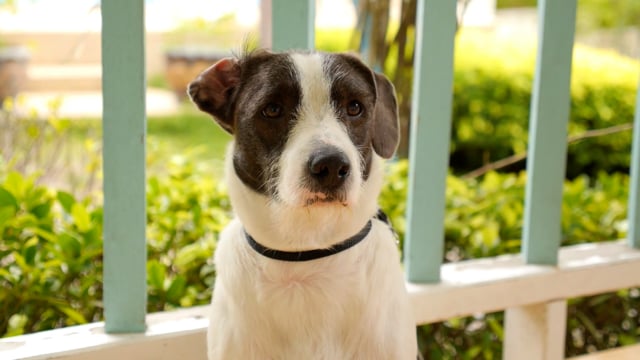 Pixabay
Edward_Everidge
-
 1 logo slot
your artwork
Swap any photo or clip for your own, or choose from millions of free stock images. Drop your own logo into the slot.
How to use the Pet Adoption template
- Open it in the editorClick the Edit Template button above and it opens straight in the editor — nothing to install, and no account needed to start. Pet Adoption renders at 1080×1080, running about 11 seconds, sized for Instagram and Facebook feed posts. The same design is also available wide (1920×1080) and vertical (1080×1920).
- Add your messagingThere are 6 captions to make your own, across 3 scenes. Just click a caption and start typing. This template uses Luckiest Guy and Roboto as defaults. The font, size, color and timing of any caption can all be changed.
- Swap in your own photos and videoThis template's 2 media slots can be replaced with your own photos and video, or filled from the stock library of millions of free images and clips built into the editor. There is a slot for your logo too.
- Pick the musicPet Adoption is set to Latinos, a sad classical track. Swap it for any of the hundreds of tracks built into the editor, which you can browse by mood and/or by genre.
- Set the colorsIt is built on a palette of 5 colors, and any of them can be changed on its own. In the editor, use › Swap Colors to push your own brand colors through the whole template at once.
- Share the projectYour edited version of Pet Adoption can be handed to someone else as a link that opens the project in the editor, not just a video to watch — so a colleague or a client can make the change themselves rather than describing it.
- Publish itPublish the finished video and download it as an MP4. Nothing is watermarked, there is no cost at any point, and videos you make can be used commercially — for your own business or a client's.
- Post it anywhereThe download is a standard MP4, so it goes up wherever video does: your social channels, your own site, an ad platform or an email campaign.
12 Related templates



From the blog
From a Prompt to a Finished Video or Image
Webster West
·
Oct 23, 2026·
5 min read
What actually happens between your description and an editable project.
Unified Video and Image Branding
Webster West
·
Oct 2, 2026·
5 min read
Why your video and your images drift apart, and how to keep one look across both.
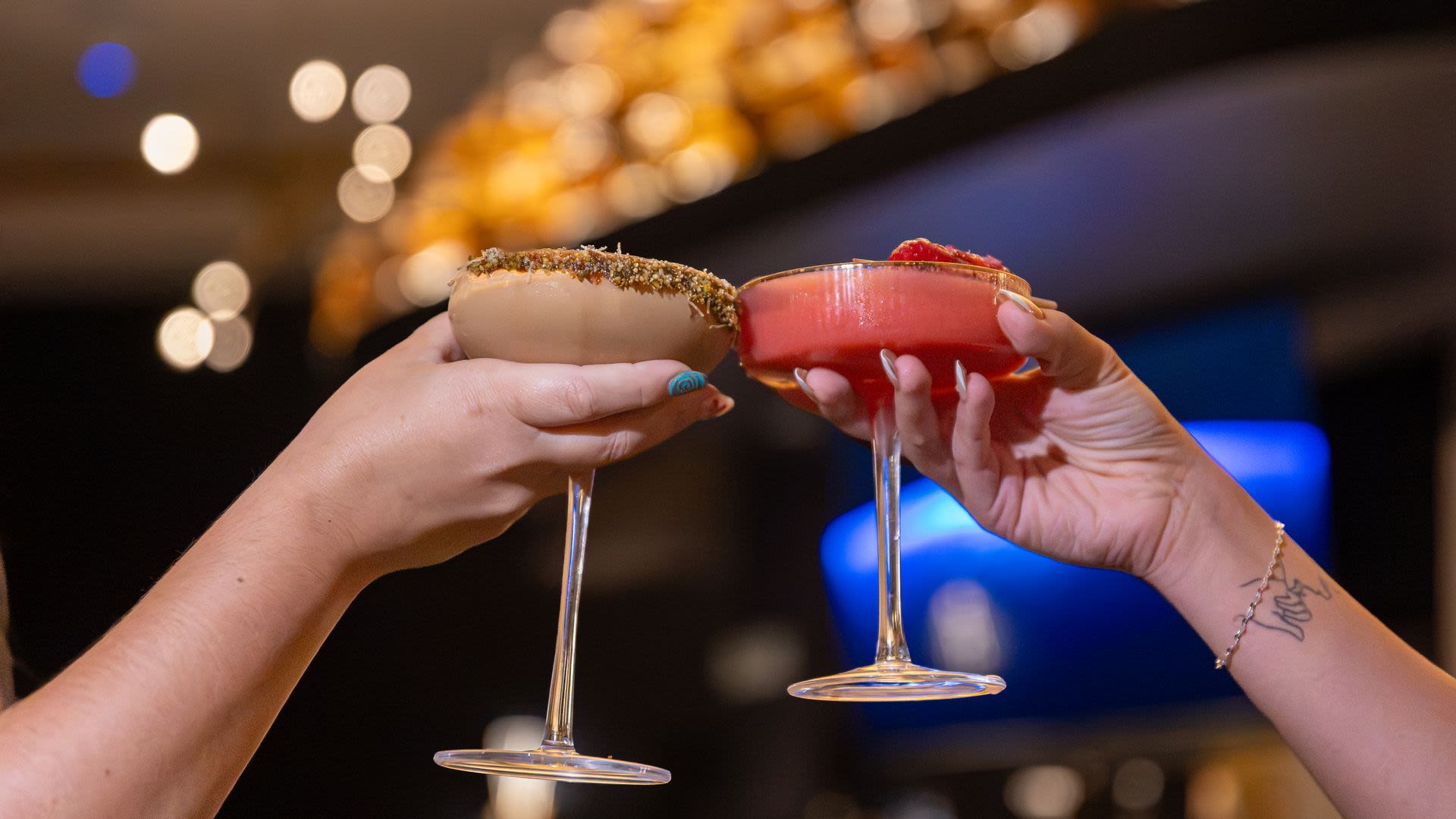
National Happy Hour Day: Three Videos to Post That Week
Webster West
·
Nov 5, 2026·
5 min read
A happy hour promo, a daily special and a customer review, each made from a free template in a few minutes.

Make Social Thumbnails with an AI Image Generator
Webster West
·
Oct 16, 2026·
5 min read
From a sentence to a thumbnail that still reads at phone size.