

MASQUERADE PARTYVertical Business Video Post Template
10sAaDancing Script, MontserratDancy Electronic
An invitation to a masquerade ball, with the event date and start time called out below the title. White Dancing Script sits over a photographic backdrop washed in purple and pink, while edgy pulses and leaping letters keep the mood playful and nocturnal.
1080×1920 · Reels, Stories, TikTok and Shorts.
Selected scenes
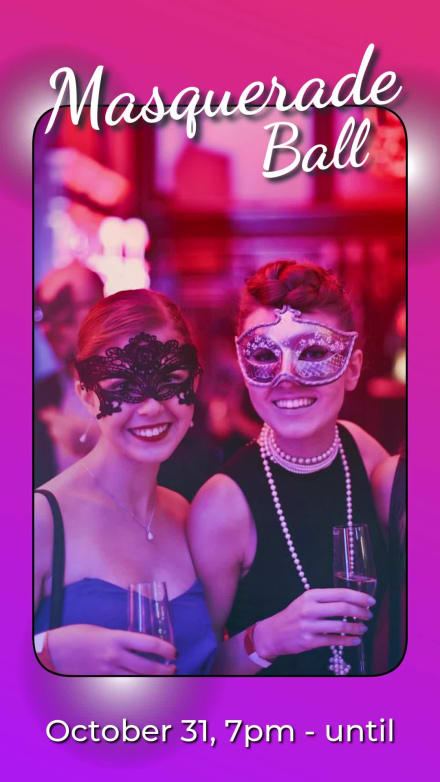 0:02
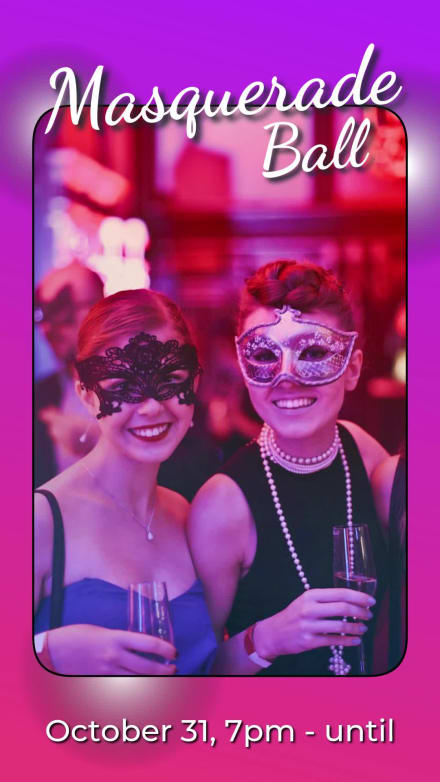 0:04
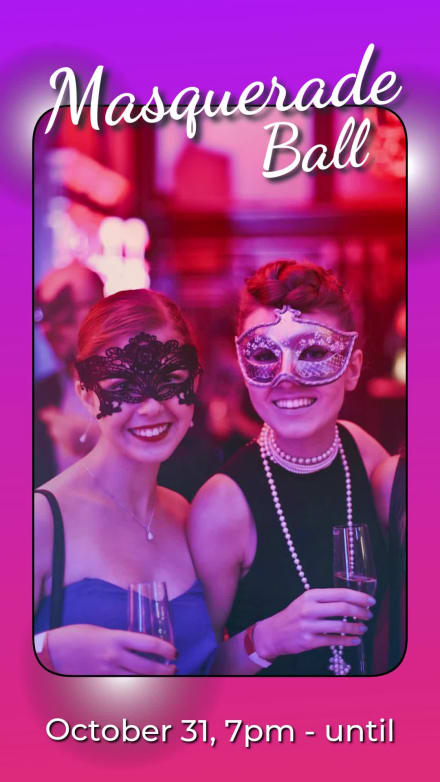 0:08
3 Captions
- 0:00Masquerade
- 0:01Ball
- 0:02October 31, 7pm - until
Every caption is yours to rewrite — the wording, the font, the size, the color and when it appears.
1 media

Swap any photo or clip for your own, or choose from millions of free stock images.
How to use the Masquerade Party template
- Open it in the editorClick the Edit Template button above and it opens straight in the editor — nothing to install, and no account needed to start. Masquerade Party renders at 1080×1920, running about 10 seconds, sized for Reels, Stories, TikTok and Shorts. The same design is also available wide (1920×1080) and square (1080×1080).
- Add your messagingThere are 3 captions to make your own, across 3 scenes. Just click a caption and start typing. This template uses Dancing Script and Montserrat as defaults. The font, size, color and timing of any caption can all be changed.
- Swap in your own photos and videoThis template's single media slot can be replaced with your own photo or video, or filled from the stock library of millions of free images and clips built into the editor.
- Pick the musicMasquerade Party is set to Pop Dance, a dancy electronic track. Swap it for any of the hundreds of tracks built into the editor, which you can browse by mood and/or by genre.
- Set the colorsIt is built on a palette of 6 colors, and any of them can be changed on its own. In the editor, use › Swap Colors to push your own brand colors through the whole template at once.
- Share the projectYour edited version of Masquerade Party can be handed to someone else as a link that opens the project in the editor, not just a video to watch — so a colleague or a client can make the change themselves rather than describing it.
- Publish itPublish the finished video and download it as an MP4. Nothing is watermarked, there is no cost at any point, and videos you make can be used commercially — for your own business or a client's.
- Post it anywhereThe download is a standard MP4, so it goes up wherever video does: your social channels, your own site, an ad platform or an email campaign.
12 Related templates




From the blog

A Fall Content Calendar in 10 Posts
Webster West
·
Oct 6, 2026·
5 min read
Ten autumn posts, the right aspect ratio for each, and how long they actually take to make.
Write AI Prompts That Make Better Short Videos
Webster West
·
Oct 13, 2026·
8 min read
The prompt structure behind a good AI short video, with before-and-after examples.

Scenes: Over 100 Animated Backgrounds for Your Videos
Webster West
·
Oct 22, 2026·
9 min read
102 animated backgrounds, each a ready-made arrangement of Movidmo animations you can recolor and retime from one dialog.
Unified Video and Image Branding
Webster West
·
Oct 2, 2026·
5 min read
Why your video and your images drift apart, and how to keep one look across both.