

THE RECEIPTVertical Black Friday Video Ad Template
18sAaSpace MonoAmbient Electronic
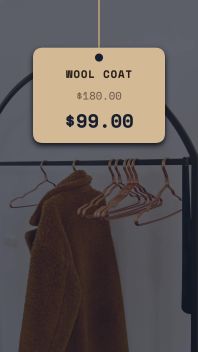
A Black Friday sale ad staged as a printed receipt, where sample line items and prices tally up before the total is struck through and halved. Items type on one by one, a dashed rule closes the list, then the discount lands and the screen flips to date, channels and site — dry, deadpan, retail-real.
1080×1920 · Reels, Stories, TikTok and Shorts.
Selected scenes
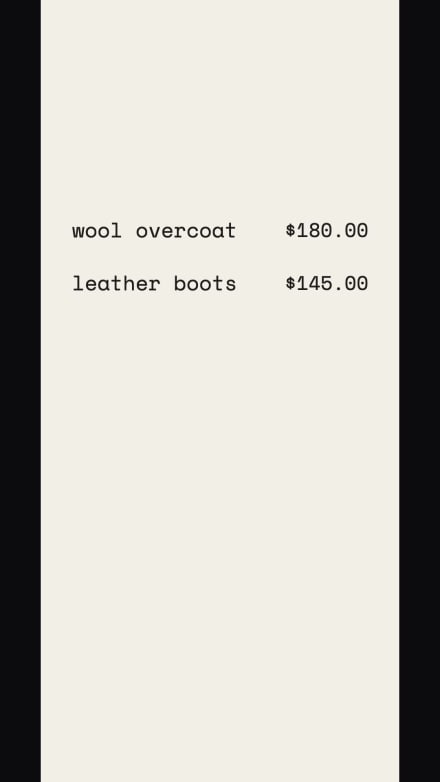 0:02
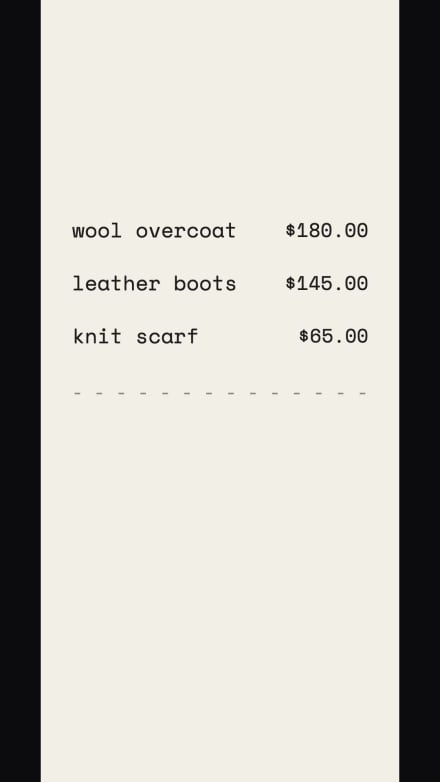 0:05
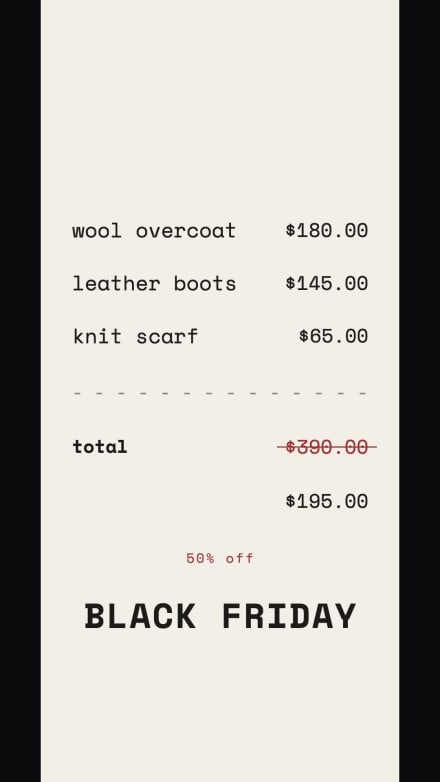 0:11
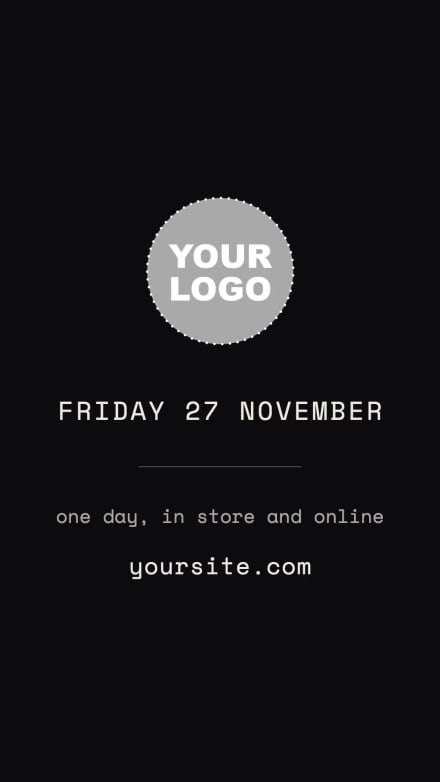 0:16
15 Captions
- 0:01wool overcoat$180.00
- 0:02leather boots$145.00
- 0:03knit scarf$65.00
- 0:05- - - - - - - - - - - - - -
- 0:06total$390.00
- 0:09$195.00
- 0:1050% off
- 0:11BLACK FRIDAY
- 0:13FRIDAY 27 NOVEMBERone day, in store and onlineyoursite.com
Every caption is yours to rewrite — the wording, the font, the size, the color and when it appears.
1 logo
-
 1 logo slot
your artwork
Swap any photo or clip for your own, or choose from millions of free stock images. Drop your own logo into the slot.
How to use The Receipt template
- Open it in the editorClick the Edit Template button above and it opens straight in the editor — nothing to install, and no account needed to start. The Receipt renders at 1080×1920, running about 18 seconds, sized for Reels, Stories, TikTok and Shorts. The same design is also available wide (1920×1080), square (1080×1080) and portrait (1080×1350).
- Add your messagingThere are 15 captions to make your own, across 4 scenes. Just click a caption and start typing. This template uses Space Mono as its default font. The font, size, color and timing of any caption can all be changed.
- Swap in your own photos and videoEvery photo and clip can be replaced with your own, or filled from the stock library of millions of free images and clips built into the editor. There is a slot for your logo too.
- Pick the musicThe Receipt is set to Deeper, an ambient electronic track. Swap it for any of the hundreds of tracks built into the editor, which you can browse by mood and/or by genre.
- Set the colorsIt is built on a palette of 7 colors, and any of them can be changed on its own. In the editor, use › Swap Colors to push your own brand colors through the whole template at once.
- Share the projectYour edited version of The Receipt can be handed to someone else as a link that opens the project in the editor, not just a video to watch — so a colleague or a client can make the change themselves rather than describing it.
- Publish itPublish the finished video and download it as an MP4. Nothing is watermarked, there is no cost at any point, and videos you make can be used commercially — for your own business or a client's.
- Post it anywhereThe download is a standard MP4, so it goes up wherever video does: your social channels, your own site, an ad platform or an email campaign.
12 Related templates











From the blog
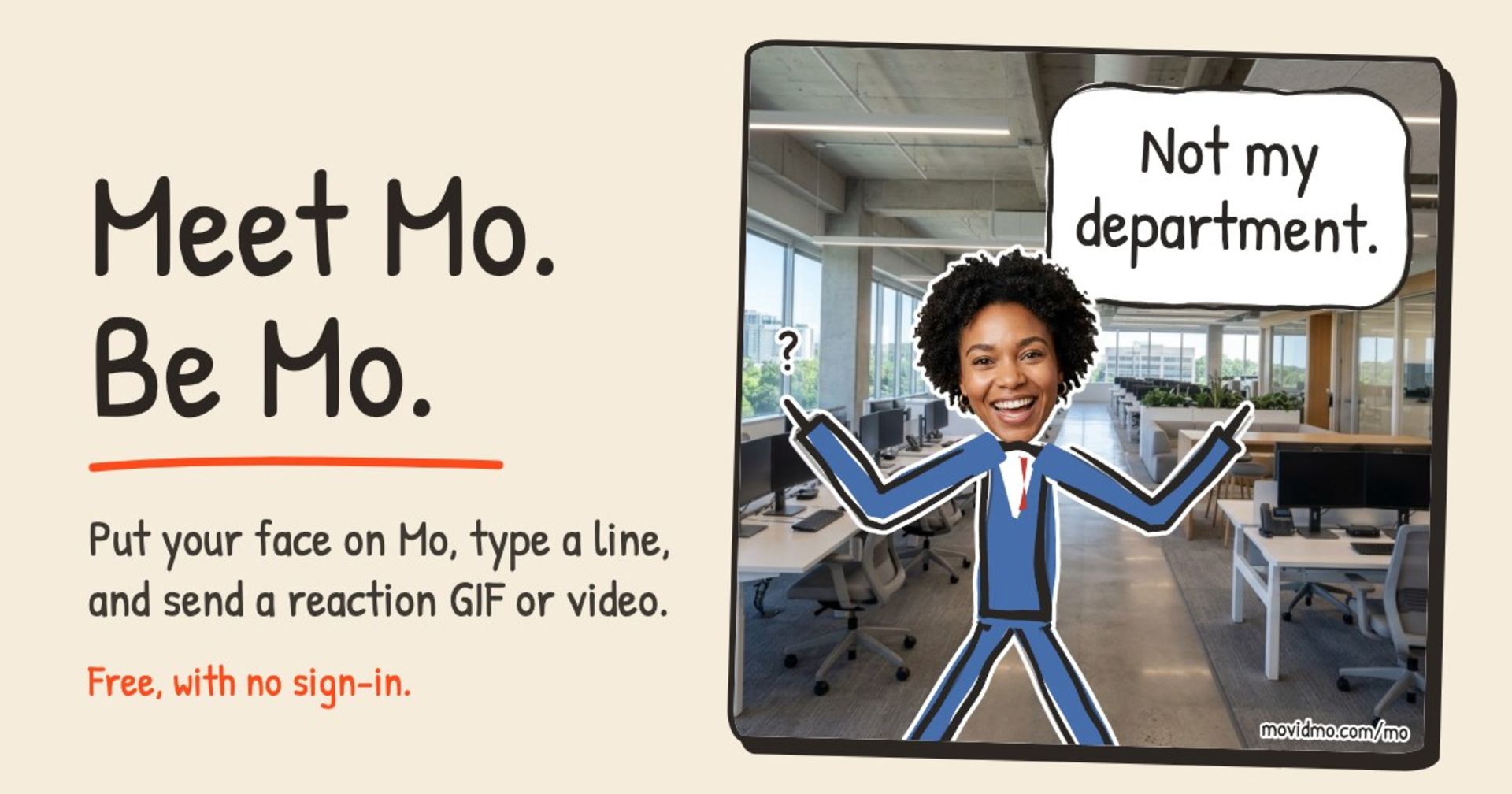
Meet Mo: Put Your Face on a Stick Figure and Send It
Webster West
·
Nov 12, 2026·
4 min read
Put your face on a stick figure, type a line for the speech bubble, and send it as a GIF or video. Free, with no sign-in.
Unified Video and Image Branding
Webster West
·
Oct 2, 2026·
5 min read
Why your video and your images drift apart, and how to keep one look across both.
Write AI Prompts That Make Better Short Videos
Webster West
·
Oct 13, 2026·
8 min read
The prompt structure behind a good AI short video, with before-and-after examples.

A Fall Content Calendar in 10 Posts
Webster West
·
Oct 6, 2026·
5 min read
Ten autumn posts, the right aspect ratio for each, and how long they actually take to make.