

GILDED WINDOWTravel Video Ad Template
13sAaRaleway, CinzelRomantic Electronic
A gilded framing treatment wraps three safari clips, with sample copy naming a destination, a poetic line and a closing booking prompt beside a placeholder web address. Cream Cinzel capitals and gold accents sit over black, moving in slow, unhurried fades to a romantic electronic score.
1920×1080 · YouTube, Facebook, LinkedIn and websites.
Selected scenes
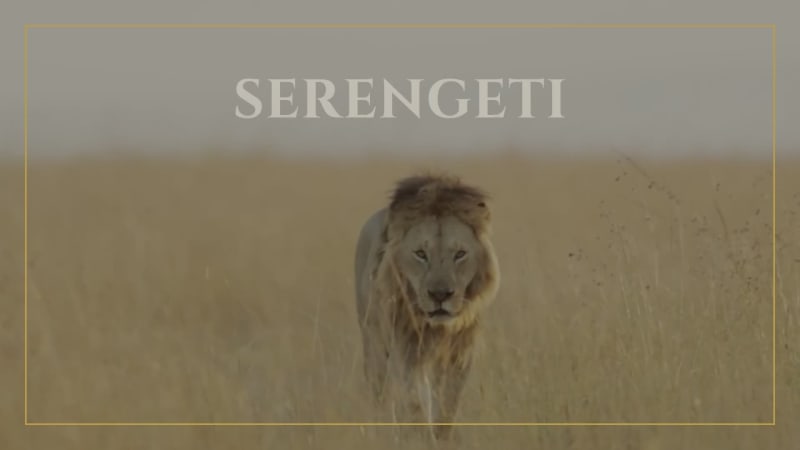 0:01
0:01
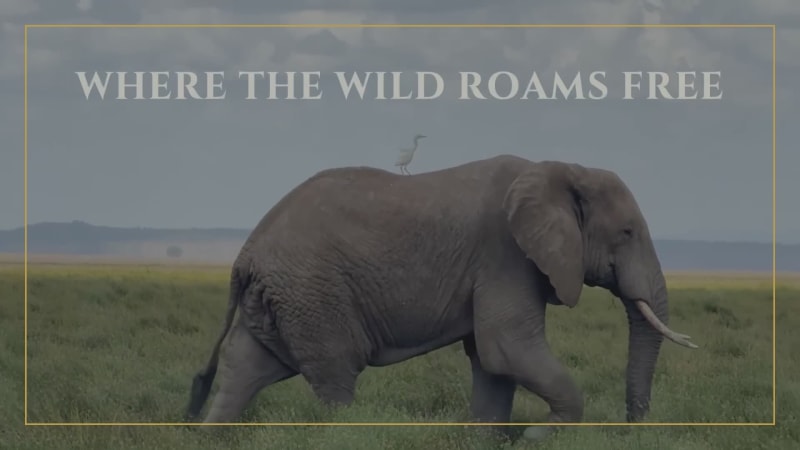 0:05
0:05
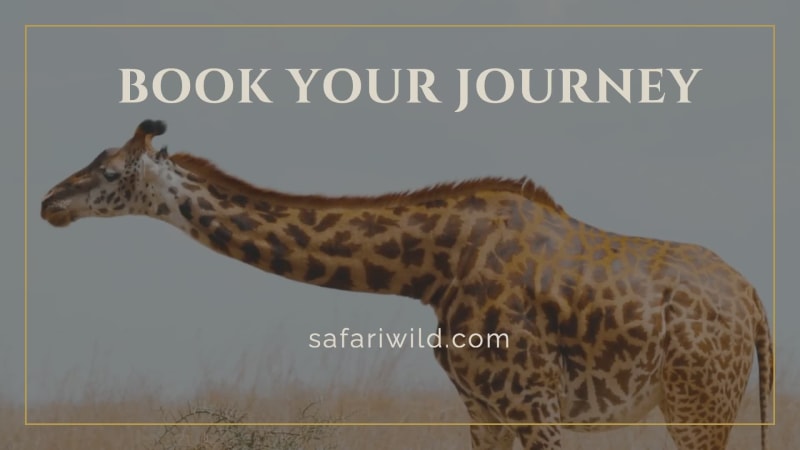 0:11
0:11
4 Captions
- 0:01SERENGETI
- 0:05WHERE THE WILD ROAMS FREE
- 0:09BOOK YOUR JOURNEYsafariwild.com
Every caption is yours to rewrite — the wording, the font, the size, the color and when it appears.
3 media
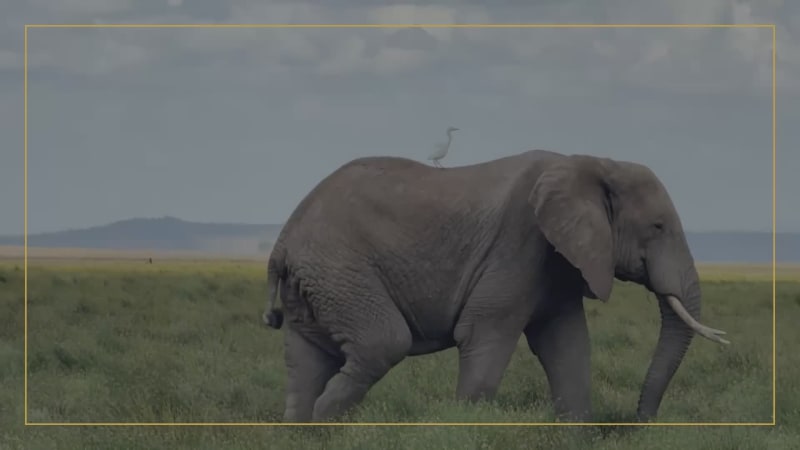
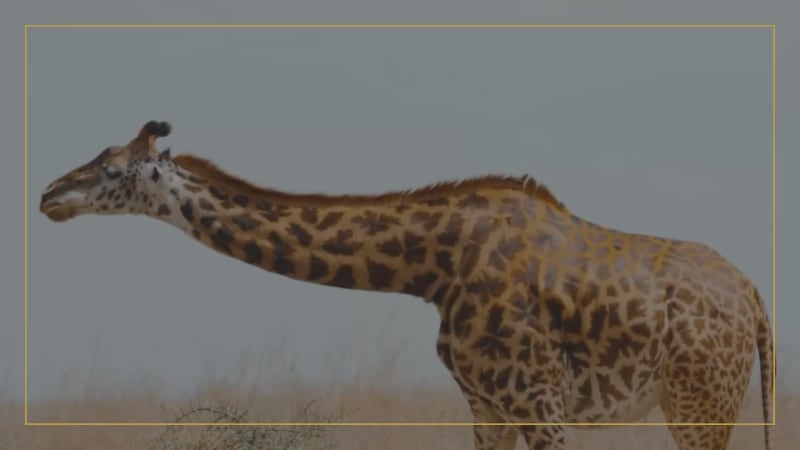
Swap any photo or clip for your own, or choose from millions of free stock images.
How to use the Gilded Window template
- Open it in the editorClick the Edit Template button above and it opens straight in the editor — nothing to install, and no account needed to start. Gilded Window renders at 1920×1080, running about 13 seconds, sized for YouTube, Facebook, LinkedIn and websites. The same design is also available square (1080×1080) and vertical (1080×1920).
- Add your messagingThere are 4 captions to make your own, across 3 scenes. Just click a caption and start typing. This template uses Raleway and Cinzel as defaults. The font, size, color and timing of any caption can all be changed.
- Swap in your own photos and videoThis template's 3 media slots can be replaced with your own photos and video, or filled from the stock library of millions of free images and clips built into the editor.
- Pick the musicGilded Window is set to New Discoveries, a romantic electronic track. Swap it for any of the hundreds of tracks built into the editor, which you can browse by mood and/or by genre.
- Set the colorsIt is built on a palette of 3 colors, and any of them can be changed on its own. In the editor, use › Swap Colors to push your own brand colors through the whole template at once.
- Share the projectYour edited version of Gilded Window can be handed to someone else as a link that opens the project in the editor, not just a video to watch — so a colleague or a client can make the change themselves rather than describing it.
- Publish itPublish the finished video and download it as an MP4. Nothing is watermarked, there is no cost at any point, and videos you make can be used commercially — for your own business or a client's.
- Post it anywhereThe download is a standard MP4, so it goes up wherever video does: your social channels, your own site, an ad platform or an email campaign.
12 Related templates


From the blog

Best Websites to Download Royalty Free Media
Bret Sears
·
May 13, 2024·
20 min read
Are you tired of searching for the perfect royalty-free photos and music for your creative projects? Look no further! In this article, we will unveil the ultimate sources for all your visual and auditory needs.
Creating a Consistent Brand Voice Through Video Content
Bret Sears
·
Feb 19, 2025·
5 min read
In today's digital age, businesses need video content to interact with their audience. Video content, whether a brief social media clip or an in-depth video, is essential for conveying a brand's message and fundamental beliefs. A uniform brand persona in every video is important to connect effective
How Do You Optimize Videos for SEO?
Bret Sears
·
Feb 23, 2024·
7 min read
Choosing the right keywords and hashtags for your videos can greatly increase their visibility online. This blog post covers how to maximize views by optimizing their use in your content.
The New Movidmo Blob Maker
Webster West
·
Feb 17, 2024·
10 min read
Organic shapes called blobs are go to elements in today's design world. They add a fluid custom feel to any design. Our new blob generation tool makes it easy to randomly generate blobs that can be exported in a variety of formats.