

SUMMER SALESummer Video Ad Template
18sAaFinger Paint, Coming Soon+1Happy Pop
A playful two-line hook builds toward a seasonal sale announcement, closing on a web address slot and space for a logo. Hand-drawn white lettering sits over full-frame footage, with transitions carrying the pace and an upbeat pop feel throughout.
1920×1080 · YouTube, Facebook, LinkedIn and websites.
Selected scenes
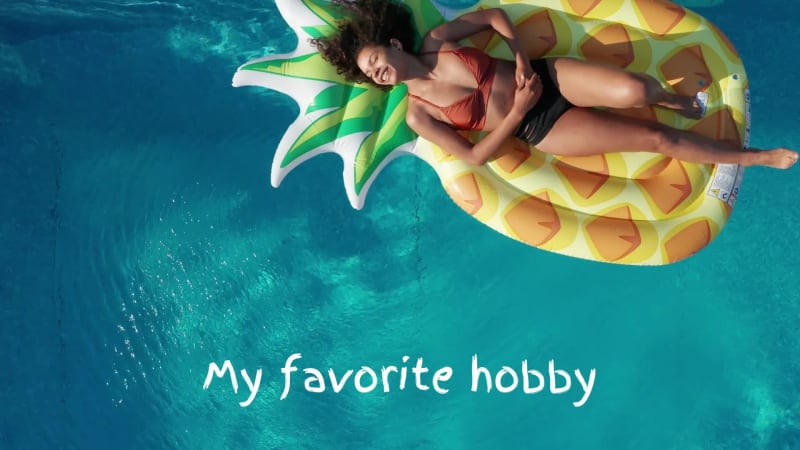 0:02
0:02
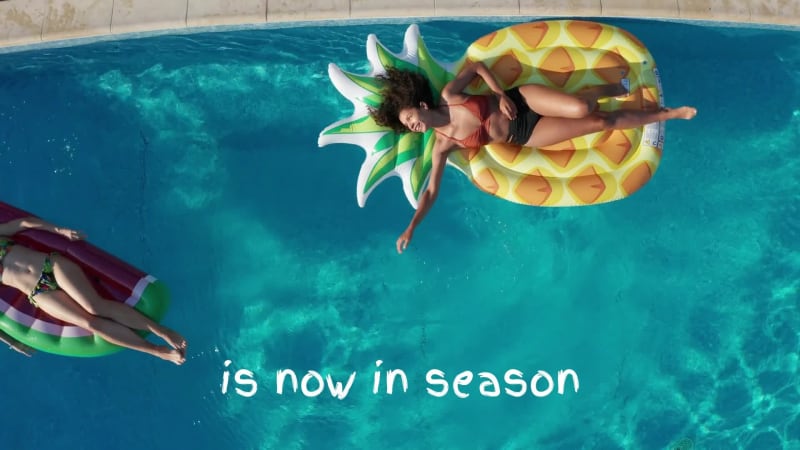 0:07
0:07
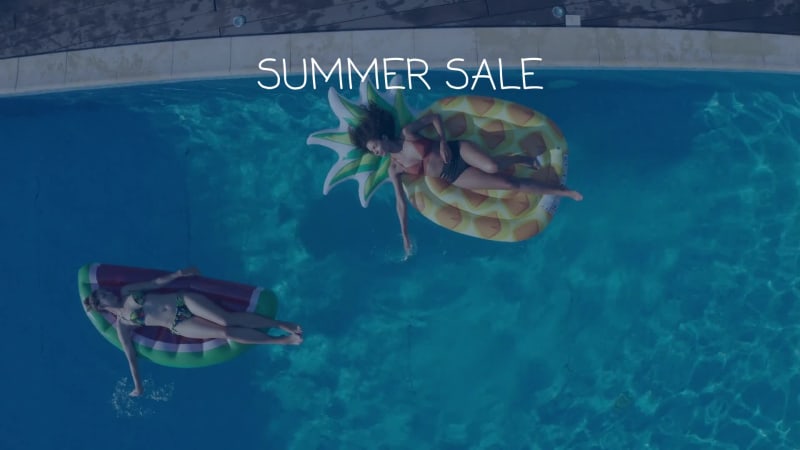 0:11
0:11
 0:16
0:16
4 Captions
- 0:01My favorite hobby
- 0:06is now in season
- 0:10SUMMER SALE
- 0:12WWW.YOURWEBSITEHERE.COM
Every caption is yours to rewrite — the wording, the font, the size, the color and when it appears.
1 media, 1 logo
-
 Pixabay
ElisSmith
Pixabay
ElisSmith
-
 1 logo slot
your artwork
1 logo slot
your artwork
Swap any photo or clip for your own, or choose from millions of free stock images. Drop your own logo into the slot.
How to use the Summer Sale template
- Open it in the editorClick the Edit Template button above and it opens straight in the editor — nothing to install, and no account needed to start. Summer Sale renders at 1920×1080, running about 18 seconds, sized for YouTube, Facebook, LinkedIn and websites. The same design is also available square (1080×1080) and vertical (1080×1920).
- Add your messagingThere are 4 captions to make your own, across 4 scenes. Just click a caption and start typing. This template uses 3 fonts by default. The font, size, color and timing of any caption can all be changed.
- Swap in your own photos and videoThis template's single media slot can be replaced with your own photo or video, or filled from the stock library of millions of free images and clips built into the editor. There is a slot for your logo too.
- Pick the musicSummer Sale is set to Up High Edit, a happy pop track. Swap it for any of the hundreds of tracks built into the editor, which you can browse by mood and/or by genre.
- Set the colorsIt is built on a palette of 3 colors, and any of them can be changed on its own. In the editor, use › Swap Colors to push your own brand colors through the whole template at once.
- Share the projectYour edited version of Summer Sale can be handed to someone else as a link that opens the project in the editor, not just a video to watch — so a colleague or a client can make the change themselves rather than describing it.
- Publish itPublish the finished video and download it as an MP4. Nothing is watermarked, there is no cost at any point, and videos you make can be used commercially — for your own business or a client's.
- Post it anywhereThe download is a standard MP4, so it goes up wherever video does: your social channels, your own site, an ad platform or an email campaign.
12 Related templates


From the blog
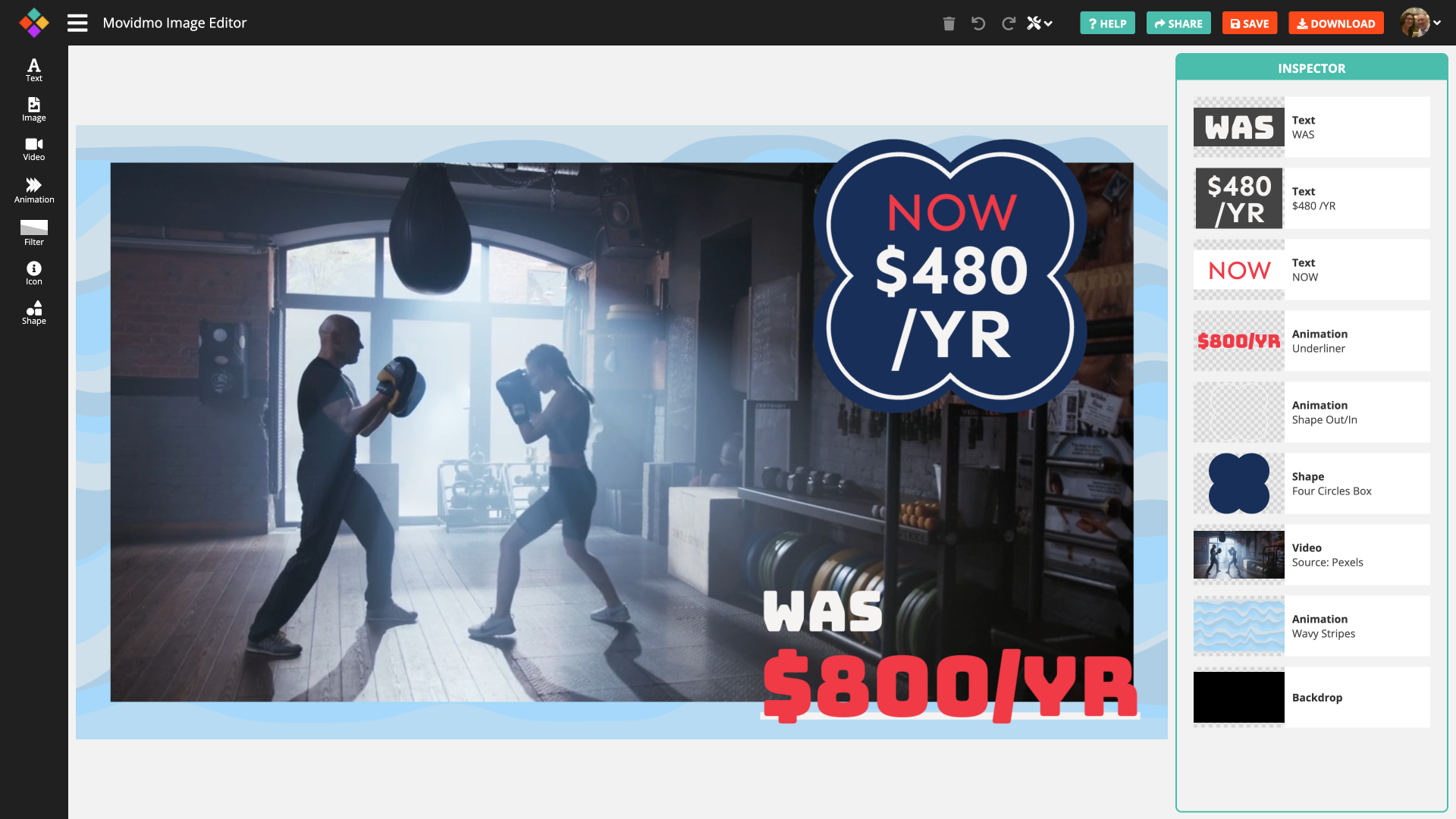
Movidmo releases a free image editor
Webster West
·
Feb 3, 2026·
5 min read
Movidmo has launched a free image editor that works seamlessly alongside its video editor, giving creators a unified, easy-to-use platform for visual content. With a shared interface, free media libraries, and the ability to move designs between image and video formats, the suite makes it faster to

A Fall Content Calendar in 10 Posts
Webster West
·
Oct 6, 2026·
5 min read
Ten autumn posts, the right aspect ratio for each, and how long they actually take to make.

Fall Content Ideas for Local Businesses
Webster West
·
Sep 29, 2026·
6 min read
Seasonal video ideas by business type, with ready-made templates for restaurants, cafes, breweries and shops.

Meet Movidmo's AI Generators: Create a Professional Video or Image in Seconds
Webster West
·
Jun 1, 2026·
10 min read
Type a description. Get a professional video or image in seconds. Here's how Movidmo's new AI generators work — with four real examples to show you what's possible.