

5 STEPSVertical Education Video Post Template
52sAaRaleway Bold, Montserrat BoldHappy Pop
An educational explainer walking through the five steps of hypothesis testing, from stating the null hypothesis to reaching a decision. Numbered Montserrat titles and Raleway captions sit in white over photographic backdrops, each step arriving on a clean transition with an upbeat pop track driving a steady rhythm.
1080×1920 · Reels, Stories, TikTok and Shorts.
Selected scenes
 0:05
0:05
 0:14
0:14
 0:23
0:23
 0:32
0:32
 0:41
0:41
 0:50
0:50
12 Captions
- 0:01STEPSOF HYPOTHESIS TESTING
- 0:09#1State the null hypothesis
- 0:18#2State the alternative hypothesis
- 0:27#3Specify the level of significance
- 0:36#4Compute the test statistic and P-value
- 0:45#5Make a decision
Every caption is yours to rewrite — the wording, the font, the size, the color and when it appears.
7 media
-
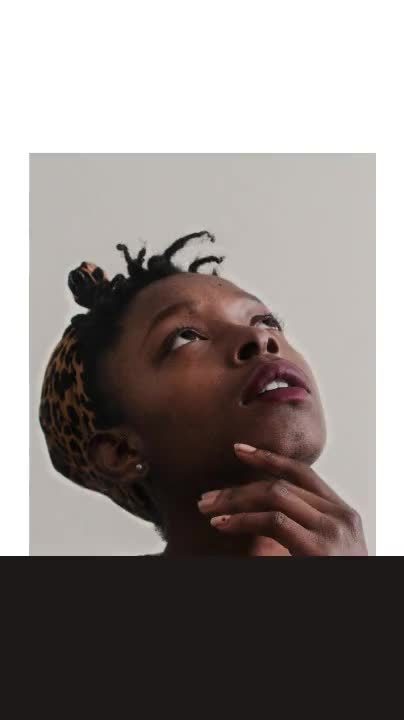
Unsplash Tachina Lee
-
brown wooden tool on white surface Unsplash · Tingey Injury Law Firm
-
Unsplash National Cancer Institute
-
 tennis court, tennis, yellow
Included with the template
tennis court, tennis, yellow
Included with the template
-
person using MacBook Air Unsplash · Ruthson Zimmerman
-
two roads between trees Unsplash · Jens Lelie
-
 Included with the template
Swap any photo or clip for your own, or choose from millions of free stock images.
How to use the 5 Steps template
- Open it in the editorClick the Edit Template button above and it opens straight in the editor — nothing to install, and no account needed to start. 5 Steps renders at 1080×1920, running about 52 seconds, sized for Reels, Stories, TikTok and Shorts. The same design is also available wide (1920×1080) and square (1080×1080).
- Add your messagingThere are 12 captions to make your own, across 6 scenes. Just click a caption and start typing. This template uses Raleway and Montserrat as defaults. The font, size, color and timing of any caption can all be changed.
- Swap in your own photos and videoThis template's 7 media slots can be replaced with your own photos and video, or filled from the stock library of millions of free images and clips built into the editor.
- Pick the music5 Steps is set to Acceleration, a happy pop track. Swap it for any of the hundreds of tracks built into the editor, which you can browse by mood and/or by genre.
- Set the colorsIt is built on a palette of 3 colors, and any of them can be changed on its own. In the editor, use › Swap Colors to push your own brand colors through the whole template at once.
- Share the projectYour edited version of 5 Steps can be handed to someone else as a link that opens the project in the editor, not just a video to watch — so a colleague or a client can make the change themselves rather than describing it.
- Publish itPublish the finished video and download it as an MP4. Nothing is watermarked, there is no cost at any point, and videos you make can be used commercially — for your own business or a client's.
- Post it anywhereThe download is a standard MP4, so it goes up wherever video does: your social channels, your own site, an ad platform or an email campaign.
12 Related templates






From the blog

A Fall Content Calendar in 10 Posts
Webster West
·
Oct 6, 2026·
5 min read
Ten autumn posts, the right aspect ratio for each, and how long they actually take to make.

Fall Content Ideas for Local Businesses
Webster West
·
Sep 29, 2026·
6 min read
Seasonal video ideas by business type, with ready-made templates for restaurants, cafes, breweries and shops.
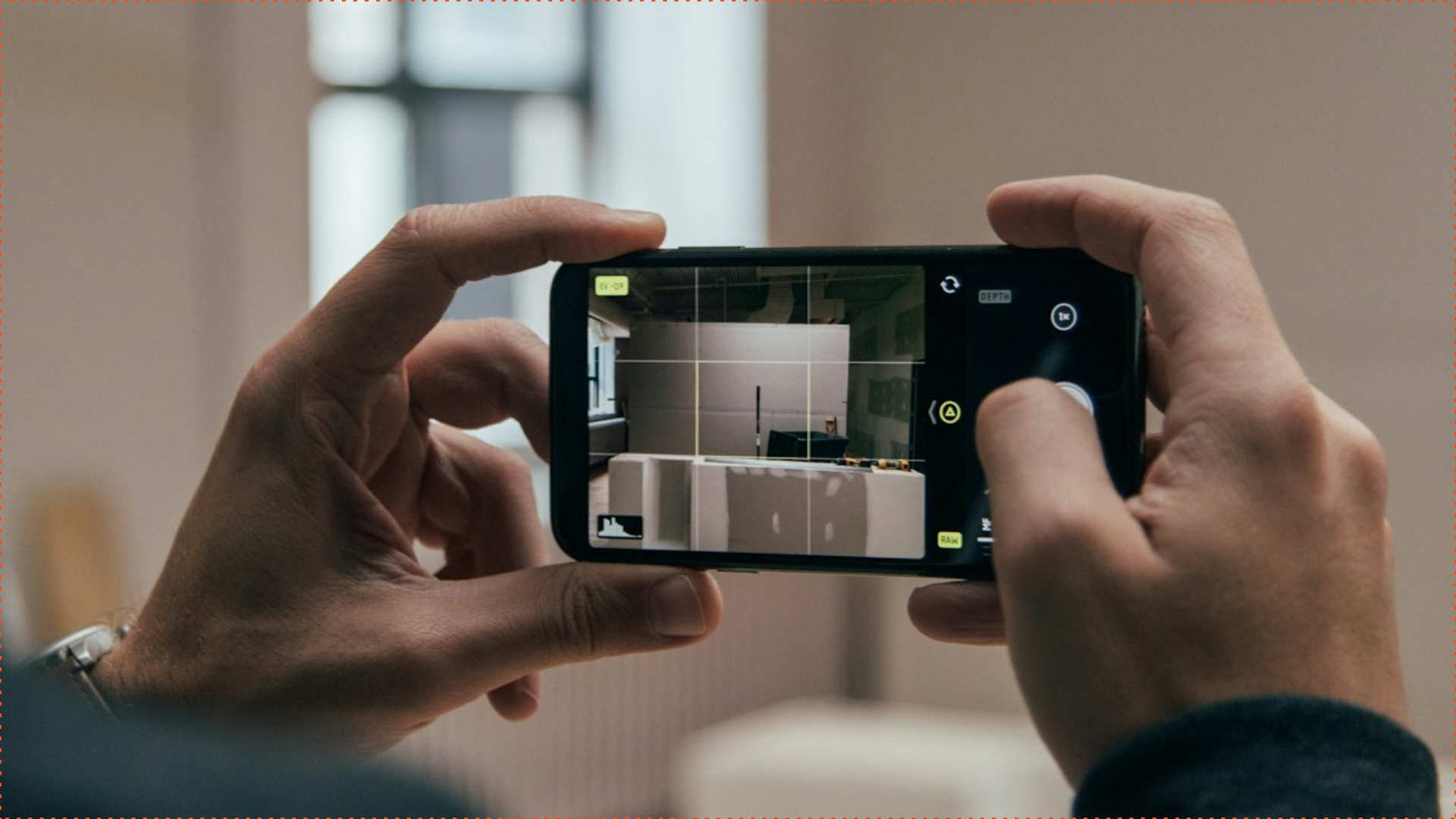
Write AI Prompts That Make Better Short Videos
Webster West
·
Oct 13, 2026·
8 min read
The prompt structure behind a good AI short video, with before-and-after examples.

The Biggest Movidmo Update Yet: A New Editor Layout
Webster West
·
Sep 25, 2026·
6 min read
The largest change since launch: a new workspace for both editors, two new animations, and twenty new help videos.