

Education Video Templates
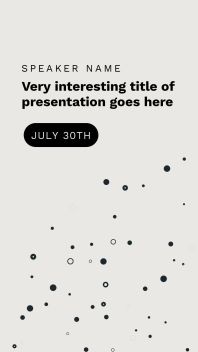
MINIMALIST ANNOUNCEMENT Education Video Post

ATHLETE OF THE WEEK Education Video Post

LEARN MATH Education Video Ad

BRUSH UP Education Video Ad

BE TOGETHER Valentine's Video Ad

ONLINE CLASS INTRO Education Video Ad
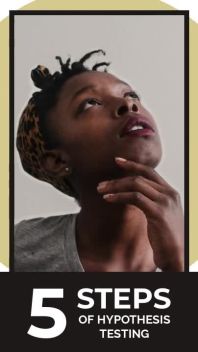
5 STEPS Education Video Post

HOT PINK Education Video Post
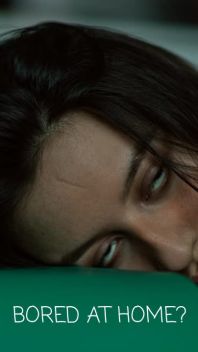
TAKE A CLASS Education Video Ad
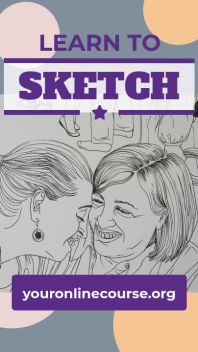
CIRCLE BACK Education Video Ad

DREAMER Education Video Ad
QUIZ OPT. 3 CORRECT Education Video Post
QUIZ OPT. 2 CORRECT Education Video Post
QUIZ OPT. 1 CORRECT Education Video Post
Common template questions
Are the templates free?
Yes. Every template in the library is free to use, and so is the editor — there is no trial, no watermark and no upgrade prompt between you and a finished video.
What size are the videos?
Templates come in 1920×1080 wide for YouTube, Facebook and websites, 1080×1080 square for Instagram and Facebook feeds, 1080×1920 vertical for Reels, TikTok and Shorts, and 1080×1350 portrait, the 4:5 that takes the most feed height on Instagram. Each size is designed for its own shape — use the Size control above to browse in the one you need. Portrait is the newest size and is still being added to the library, so not every template offers it yet.
Can I use my own photos, video and logo?
Yes — that is the point of a template. Every photo and clip can be swapped for your own, every line of text rewritten, and each template has a slot for your logo. If you do not have footage to hand there is a stock library of millions of free images and clips built into the editor.
Do I need to install anything?
No. Movidmo runs in the browser, so there is nothing to download and nothing to keep updated. Pick a template, edit it, and your video is rendered and ready to share.
Do I need an account?
Not to start. A template opens straight in the editor and you can begin changing it right away, with nothing to install. You are asked to sign in to save or publish, so your work is waiting for you when you come back — and signing up is free.
Can I use the videos commercially?
Yes. Videos you make from these templates can be used commercially — for your own business, or for a client's. See the terms of service for the full detail.