

BACK TO SCHOOL
Back To School Video Ad Template
Duration: 14s
·
Credits: 1
You're on your way to creating a stunning Back To School video ad to increase interactions across your social media channels. Customize this video template with your own text, media and other content.
RELATED MOVIDMO TEMPLATES

10s
BACK TO SCHOOL DEALS
Back To School Video Ad
7s
JUNIOR YEAR
Back To School Video Post
12s
BACK TO SCHOOL COOL
Back To School Video Ad
10s
ORANGE BACKPACK
Back To School Video Ad
15s
3 MAGIC WORDS
Back To School Video Ad
10s
MEET THE TEACHER
Back To School Video Invitation
13s
BY THE NUMBERS
Video Ad
13s
GILDED WINDOW
Travel Video Ad
13s
SIMMERING
Food/Restaurant Video Ad
21s
ARCADE GRID
Video Ad
18s
SYSTEM OVERRRIDE
Video Ad
25s
THREE BEAT
Video Ad
POPULAR MOVIDMO BLOGS

Swapping colors in Movidmo
Webster West
·
Oct 27, 2022·
5 min read
Check out this video ad example that shows how easy it is to change colors in the Movidmo video editor. This simple process can be followed to transform any Movidmo template to meet the needs for any video in terms of meeting branding guidelines or matching content.
Movidmo releases a free image editor
Webster West
·
Feb 3, 2026·
5 min read
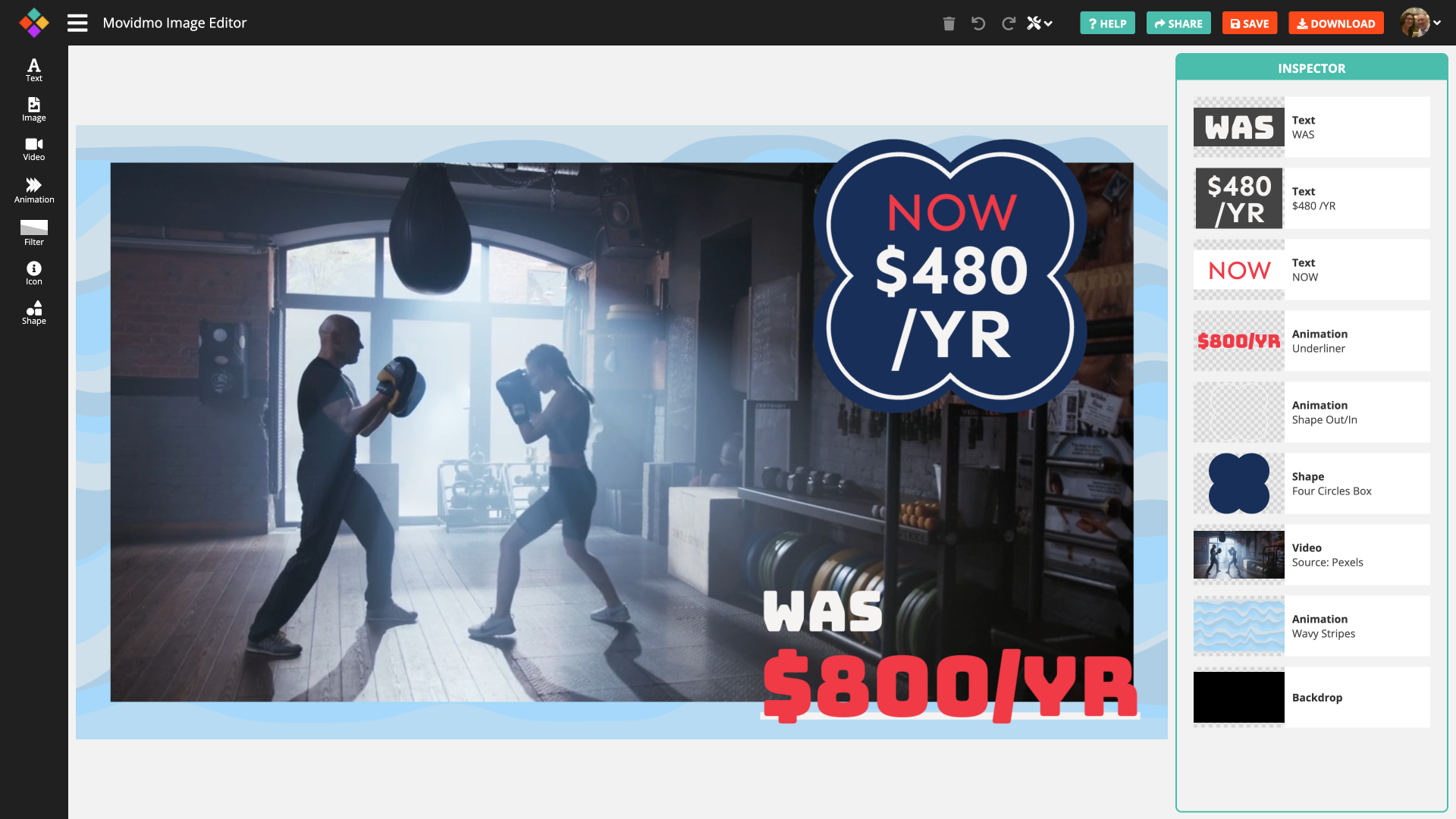
Movidmo has launched a free image editor that works seamlessly alongside its video editor, giving creators a unified, easy-to-use platform for visual content. With a shared interface, free media libraries, and the ability to move designs between image and video formats, the suite makes it faster to
Marketers, Here’s 3 Months’ Worth of Content Ideas for the Beginning of 2023
Bret Sears
·
Jan 2, 2023·
5 min read
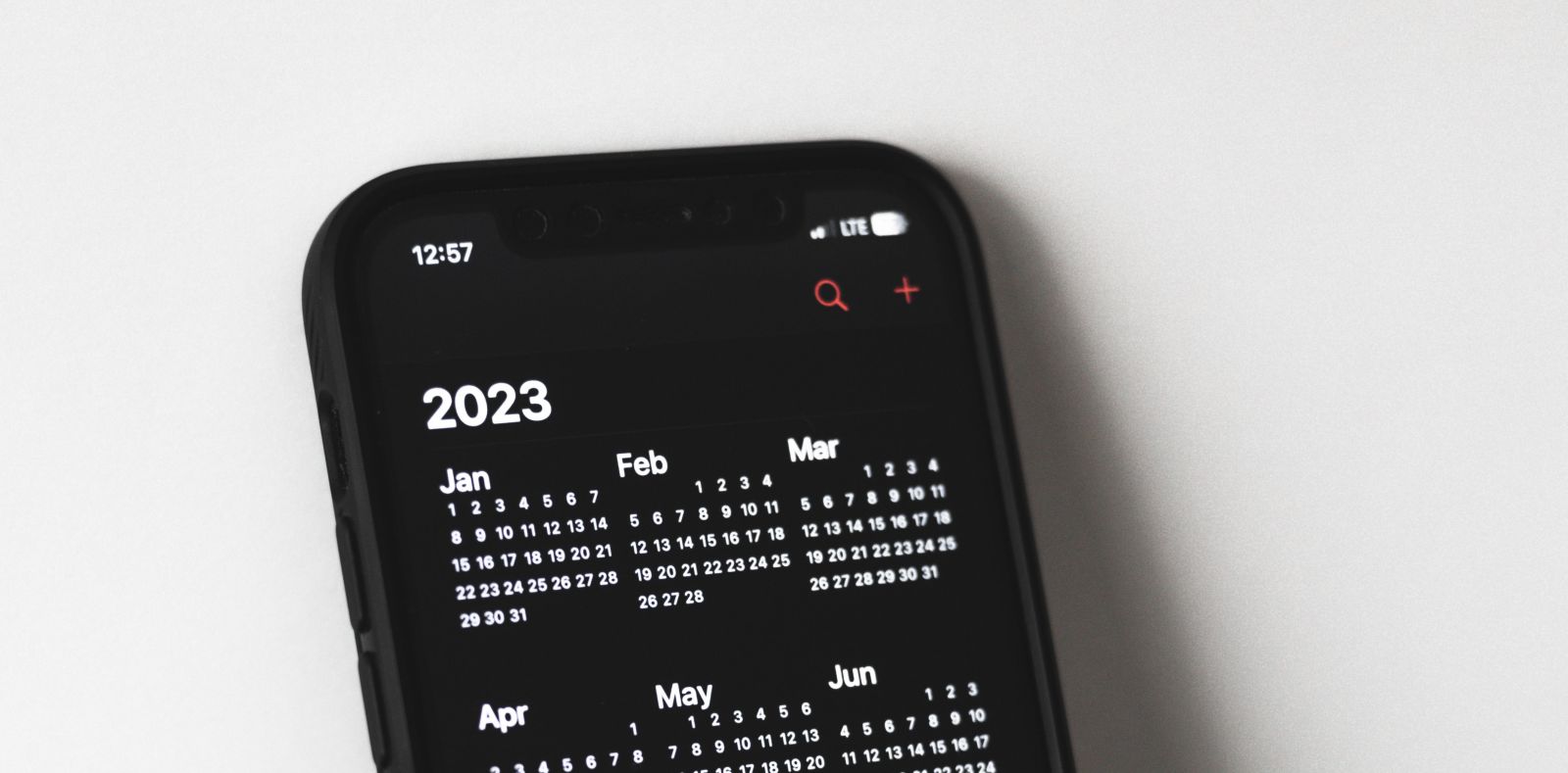
As a marketer, you have likely set professional goals for yourself this year, whether in the form of a resolution or just quarter-to-quarter expectations of yourself. One of the best ways to defeat the feeling of burnout and to avoid giving up on your goals is by planning ahead. Here are some great

What makes for a good silent video?
Shelby Ingle
·
Sep 18, 2020·
5 min read
Silent videos have been around since at least 1903 when Thomas Edison produced the first narrative movie. Silent videos are coming back with a vengeance, just on smaller screens. Audiences now more than ever before are watching videos on social platforms. This is a great opportunity for small busine