

Swap colors is the quickest way to put a template in your brand's colors.
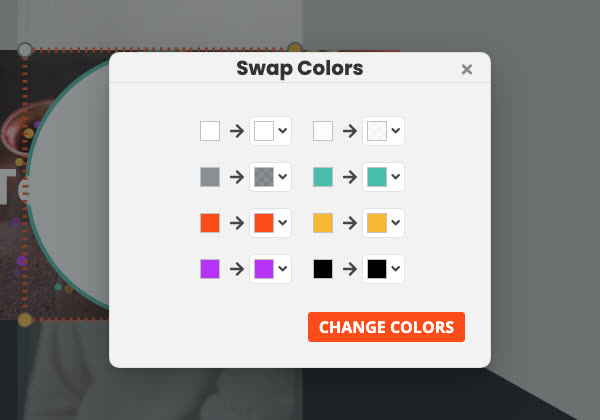
- Open Tools (the wrench in the top bar) and choose Swap colors.
- Each color used in your project is listed with an arrow to its replacement. Click a replacement and choose a new color.
- Click Swap colors.
Every use of each color changes: text, frames, shadows, filters, shapes, animations, borders, masks and the backdrop color. It doesn't change colors inside photos or video clips.